Home › FX Trading School › Intermediate
Trailing Stops: Locking In Profit (Module 8)
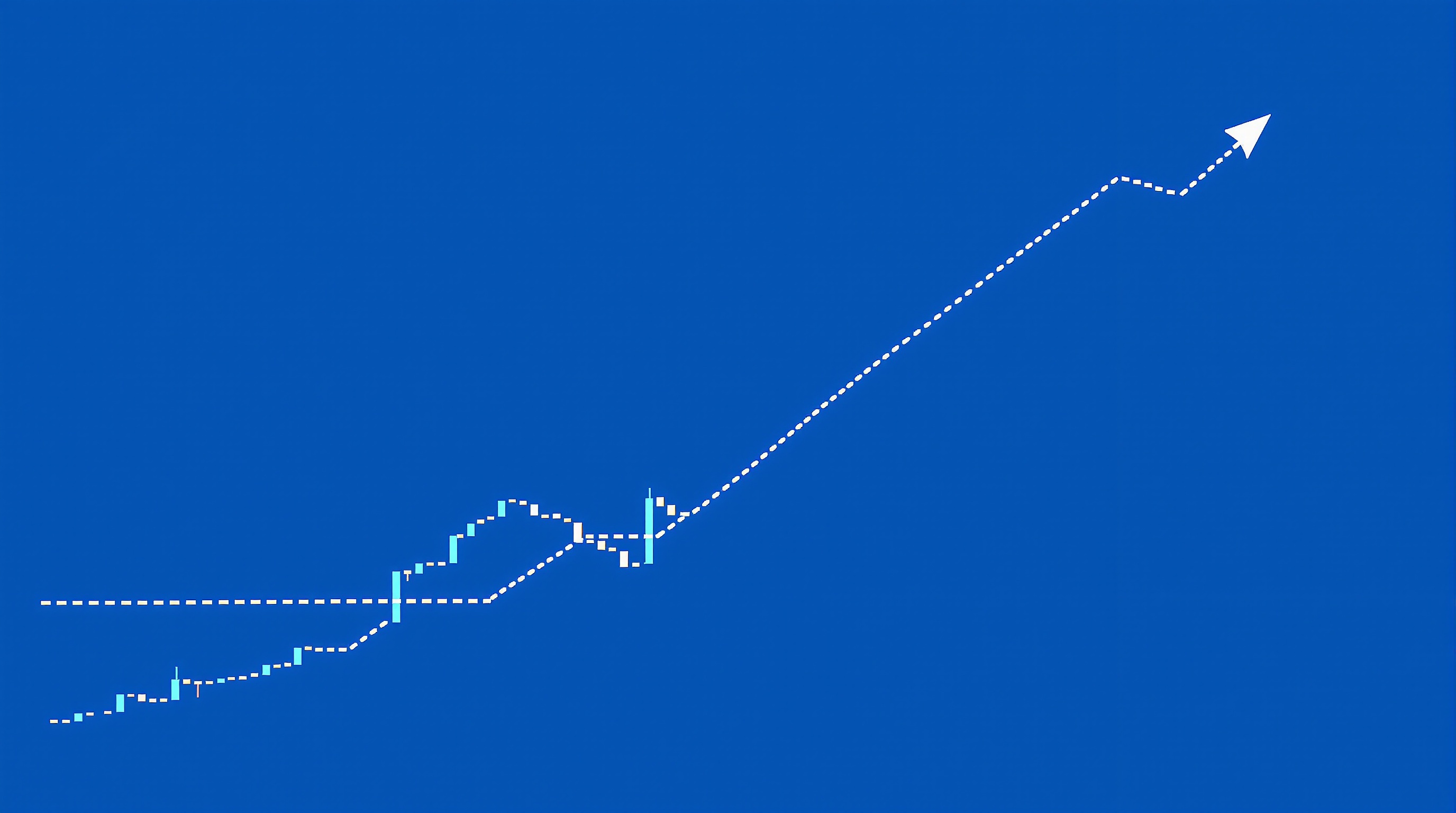
Trailing stops are one of the simplest ways to lock in profit on a winning trade without having to sit and watch the screen all day. In this Module 8 lesson we'll cover how they actually work, the main ways to set the trailing distance, and the mistakes that catch out intermediate traders who assume "set it and forget it" is enough.
This lesson assumes you're already comfortable with setting an initial stop loss and calculating pip value for your position size — if either of those feels shaky, go back to the earlier risk modules before you layer trailing logic on top.
What a trailing stop actually does
A trailing stop is an order that follows price at a fixed distance, but only in the direction that benefits you. On a long trade, if price rises, the stop rises with it, staying a set number of pips (or a percentage, or an ATR multiple) behind the current price. If price falls, the stop stays where it is — it never moves backward against you.
Key points:
- It only trails in profit. A stop trailing a long position will rise as price rises, but it freezes the moment price pulls back — it doesn't retreat.
- It converts open, unrealised profit into a protected floor. Once the stop has moved past your entry price, you're guaranteed (barring slippage or gaps) to close the trade at breakeven or better if price reverses.
- Until that point, a trailing stop is doing nothing different from your original stop loss — it needs room to move before it can lock anything in.
- It's still just a stop order. It can gap past on fast news, particularly around data releases or weekend opens, so it's not an ironclad guarantee.
Think of it as a ratchet: it clicks forward with the trend and holds its position when the trend pauses.
Three ways to set the trailing distance
There's no single "correct" trailing distance — it depends on the pair, the timeframe, and what the trade is trying to capture.
1. Fixed pips Simple and easy to automate — e.g. trail 20 pips behind price. Works reasonably on pairs with fairly stable volatility but can be too tight in quiet sessions and too loose in fast ones.
2. ATR-based (volatility-adjusted) Trail by a multiple of the Average True Range (e.g. 2× ATR). This adapts automatically: wider trail when the market is choppy, tighter when it calms down. Popular with intermediate and advanced traders because it removes the guesswork of picking a static number.
3. Structure-based Trail behind recent swing lows (for longs) or swing highs (for shorts). This respects the market's own rhythm rather than an arbitrary distance, but it requires you to check the chart rather than fully automate it — useful on higher timeframes where you're not glued to the screen.
| Method | Adapts to volatility? | Effort to maintain | Good for | |---|---|---|---| | Fixed pips | No | Very low | Stable, familiar pairs | | ATR multiple | Yes | Low (automatable) | Most trending conditions | | Swing structure | Somewhat | Medium (manual checks) | Higher timeframe swing trades |
Setting it up in MetaTrader vs IG's platform
Mechanics differ by platform, and this matters more than most traders realise.
- MetaTrader (e.g. via Pepperstone's MT4/MT5 servers): the built-in "Trailing Stop" feature is typically calculated and sent by the *terminal*, not the broker's server. That means it only updates while your platform is open and connected — close MetaTrader or lose your internet connection and the trail stops moving. Many traders on Pepperstone's MT servers use a VPS specifically to keep trailing logic running 24/5.
- IG's own platform: trailing stops can often be set up so the stop is managed server-side, meaning it continues to trail even if you close your browser or app. This is a meaningful practical difference if you can't watch the market constantly.
- Always confirm current behaviour directly with your broker's platform documentation — implementations get updated, and you shouldn't assume based on general reputation.
Whichever platform you use, test the trailing feature on a demo account first so you understand exactly when and how it updates before risking live capital.
Common mistakes with trailing stops
- Trailing too tight. A stop trailing 5 pips behind price on a pair that regularly swings 15–20 pips in normal noise will get stopped out constantly, even in a genuine trend.
- Trailing from entry. Starting the trail immediately, before the trade has any cushion, often closes winners for a tiny profit or breakeven that a slightly wider initial stop would have avoided.
- Ignoring the spread and commission. Every stop-out is still a closed trade, and closing costs (spread, and commission on ECN-style accounts) eat into the "locked in" profit. Run your numbers through the [cost tool](/audit.html) so you know what a trail is actually costing you round-trip.
- Assuming it survives a platform outage. As above — a MetaTrader trail run locally won't help if your laptop dies mid-session.
- Forgetting news events. Trailing stops don't protect you from gaps. If a major release is due, consider whether to widen the trail or step aside from the position entirely.
Building a trailing stop rule into your plan
A trailing stop should be a written rule in your trading plan, not an improvised decision mid-trade. A workable structure:
1. Initial stop placed at trade entry based on your normal risk rules (structure, ATR, or fixed pips). 2. Activation threshold — decide how much profit needs to exist before trailing starts (e.g. once price has moved 1× your initial risk in your favour). 3. Trail method — pick one of the three above and stick with it for a given strategy; don't switch mid-trade based on emotion. 4. Review point — on longer swing trades, check manually rather than relying purely on an automated feed, especially around news.
Write these numbers down before you enter, not after you're already in profit and reluctant to give any of it back.
Conclusion: trailing stops as a discipline, not a shortcut
Trailing stops are a genuinely useful tool for locking in profit on a trade that's moving your way, but they're not a substitute for a sound initial stop or for understanding your true trading costs. Test your chosen trailing method on demo, know exactly how your platform executes it — MetaTrader locally versus IG's server-side handling are not the same thing — and always weigh the stop-out cost against the profit you're protecting using the [cost tool](/audit.html). For more on how spreads and commissions interact with active trade management, compare providers on the [brokers page](/brokers/index.html) and continue through the rest of the risk mastery module in the [FX Trading School](/school/index.html).
Key takeaways
- A trailing stop moves in your favour as price moves, but never moves backward, so it locks in profit as a trade develops.
- Trailing stops only protect gains once price has moved a set distance from your entry — they don't remove initial risk on their own.
- You can trail by fixed pips, by ATR (volatility), or by structure (swing highs/lows) — each suits different market conditions.
- Trailing too tightly gets you stopped out by normal noise; trailing too loosely gives back most of the open profit.
- Platform mechanics differ: MetaTrader trailing stops usually run client-side, while IG's own platform can handle trailing server-side — check before you rely on it.
- This builds directly on setting an initial stop loss and understanding pip value — get those solid before automating trails.
Frequently asked questions
- Do trailing stops guarantee I'll keep my profit?
- No. A trailing stop locks in profit only once price has moved far enough for the stop to have trailed past your entry price. Slippage and gaps (common around news) can also mean your order fills worse than the stop level, especially on volatile pairs or over weekends.
- What's a good distance to trail by?
- There's no universal number — it depends on the pair's typical volatility, your timeframe, and the setup. A common starting point is to base the trail on the Average True Range (ATR) so it adapts to current conditions rather than using a fixed pip value that might be too tight or too loose.
- Should I use a trailing stop on every trade?
- Not necessarily. Many traders only start trailing once a trade is already in decent profit, leaving the initial stop untouched until then. Trailing from the moment you enter can cut winners short in normal choppy price action.
- Does MetaTrader's trailing stop work if I turn off my computer?
- On most MetaTrader setups the trailing stop is calculated by the terminal itself, so if the platform or your connection is closed, the trail stops updating. Some brokers, including Pepperstone, offer VPS hosting so trails keep working while your PC is off — check your broker's setup rather than assuming.
- How is a trailing stop different from a fixed take-profit?
- A take-profit closes the trade at one predetermined level regardless of how far price continues. A trailing stop has no fixed ceiling — it follows price up (or down on a short) and only closes the trade if price reverses by your set distance, so it can capture more of a strong trend.