Home › FX Trading School › Beginner
Placing Your First Trade in MetaTrader: A Beginner Guide
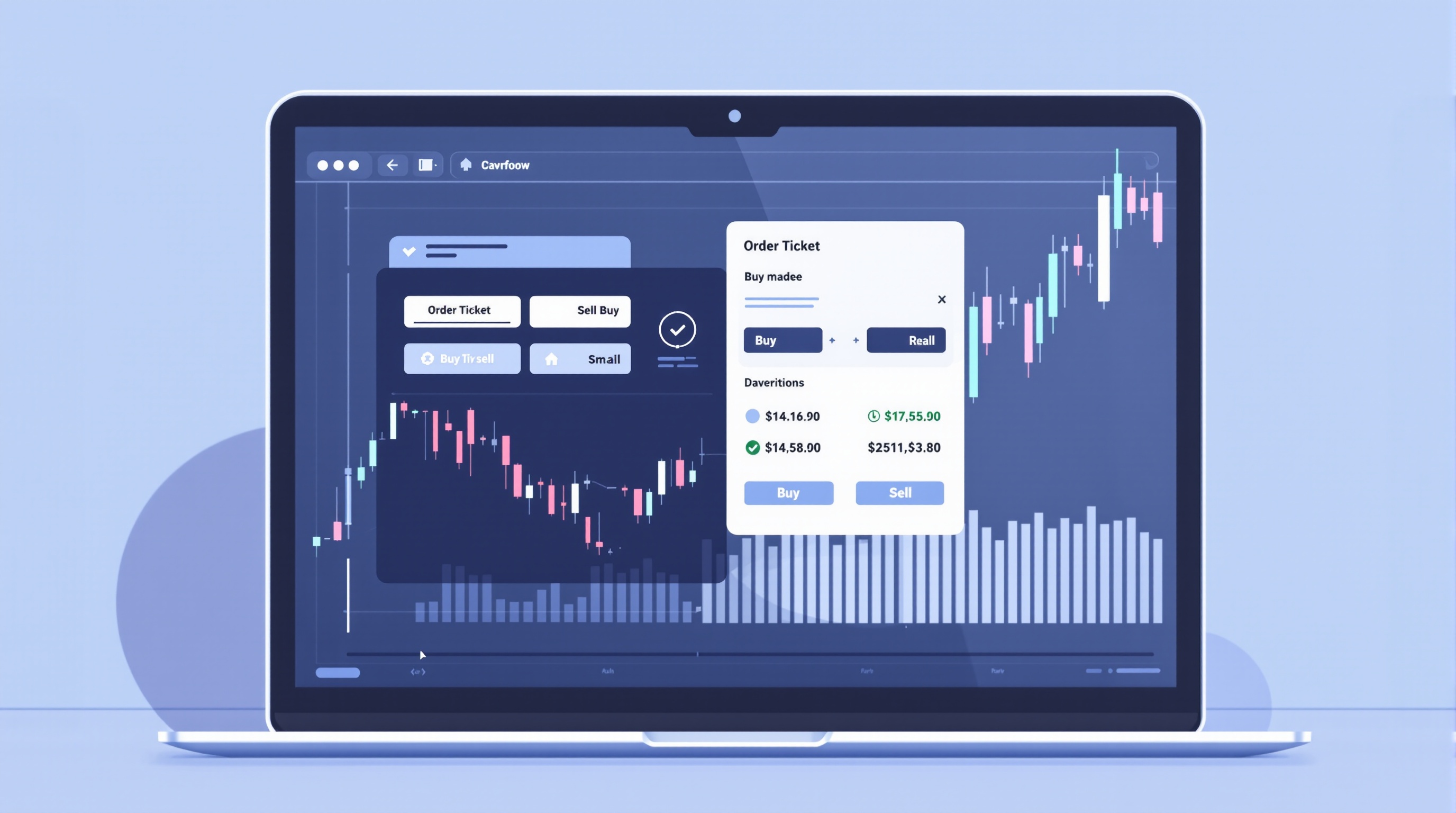
Placing your first trade in MetaTrader is a small, mechanical action — click a few fields, hit Buy or Sell — but it's the moment where everything you've learned about charts and orders in Module 2 turns into a real position. This lesson walks through the order ticket step by step, so you understand exactly what each field does before you risk any money.
Before starting, make sure you're comfortable with reading a candlestick chart and identifying support and resistance levels, since those earlier lessons in this module are what will inform *where* you place your entry, stop and target — this lesson focuses purely on the mechanics of getting the trade onto the platform correctly.
Setting Up a Demo Account First
Every reputable broker that supports MetaTrader — Pepperstone and IG both do — offers a free demo account. It uses the exact same order ticket, the same execution logic, and usually the same MetaTrader servers as live trading, just with virtual funds.
Before placing your first trade:
- Download MT4 or MT5 from your broker's site, or open the platform if it's web-based.
- Log in with your demo credentials, which arrive by email after signup.
- Confirm you're on a demo server — check the account number and server name in the bottom-right corner of the terminal.
- Add the currency pair you want to trade to your Market Watch window if it isn't already visible.
Spend at least a few sessions here. There's no reward for rushing onto a live account, and the platform mechanics are identical either way — only the money is different. When you're ready to check what live trading costs, PipTax's cost tool at /audit.html compares real broker fee structures once you've settled on a platform.
Opening the Order Ticket
To place a trade, right-click the symbol in Market Watch (or double-click it) and choose New Order, or use the "Order" button on the toolbar. This opens the order ticket, which is the same panel whether you're on MT4 or MT5, with minor layout differences.
The ticket contains:
- Symbol — the currency pair, e.g. EUR/USD or GBP/USD.
- Volume — the lot size (covered below).
- Stop Loss and Take Profit fields — price levels, not pip counts, in most versions.
- Type — Market Execution or a pending order type.
- Comment — optional, useful for labelling trades if you're testing a strategy.
Nothing here commits you until you press the Buy or Sell button, so it's fine to open the ticket just to look around before your first real click.
Choosing a Lot Size
Lot size is the single most common thing beginners get wrong, because it directly controls how much money moves per pip.
| Lot Type | Units | Approx. Pip Value (EUR/USD) | |---|---|---| | Standard lot | 100,000 | ~$10 | | Mini lot | 10,000 | ~$1 | | Micro lot | 1,000 | ~$0.10 |
These pip values are approximate and vary by pair and account currency — MetaTrader shows the exact figure once you enter a volume, and your broker's contract specifications confirm the rest.
Rather than picking a lot size because it "feels right," work backwards from your risk:
1. Decide the maximum percentage of your account you're willing to risk on the trade (many traders use 1–2%). 2. Work out the distance in pips between your entry and your stop loss. 3. Divide your risk amount by (pips × pip value) to find the correct lot size.
This calculation is worth doing on paper until it becomes second nature.
Market Orders vs Pending Orders
MetaTrader gives you two broad ways to enter a trade:
- Market order — executes immediately at the current bid/ask price. Use this when you want in *now*, at whatever price is showing.
- Pending order — sits inactive until price reaches a level you specify. The four types are:
- - Buy Limit — buy below current price.
- - Sell Limit — sell above current price.
- - Buy Stop — buy above current price (on breakout).
- - Sell Stop — sell below current price (on breakdown).
For a first trade, a market order on a demo account is the simplest way to see the whole process end-to-end. Pending orders become more useful once you're trading specific chart levels rather than "the market right now" — a topic covered later in Module 2.
Setting Stop Loss and Take Profit
Every trade should have a stop loss — the price at which you accept you were wrong and exit — and, in most cases, a take profit, the level at which you bank the win.
In the order ticket:
- Enter the Stop Loss price below your entry for a buy, or above it for a sell.
- Enter the Take Profit price above your entry for a buy, or below it for a sell.
- MetaTrader will reject levels placed too close to the current price if your broker enforces a minimum stop distance.
Skipping this step is one of the fastest ways a small, sensible trade turns into an account-damaging one. Set both before you click Buy or Sell, not after.
Confirming and Reviewing the Trade
Once the ticket looks right, click Buy by Market or Sell by Market (or "Place" for a pending order). The trade appears in the Trade tab at the bottom of the terminal, showing your open price, current floating profit/loss, and the stop/take profit levels you set.
Check immediately:
- Is the volume what you intended?
- Are the stop loss and take profit where you planned them?
- Does the direction (buy/sell) match your analysis?
If anything's wrong, you can modify or close the trade from the same Trade tab — right-click the position for options.
Conclusion
Placing your first trade in MetaTrader is genuinely simple once you've done it a few times on demo: pick the symbol, set the volume correctly, decide market or pending order, always set a stop loss and take profit, then confirm. The mechanics don't change whether you're trading small or large, on Pepperstone's or IG's MetaTrader servers, or years into your trading. What changes with experience is the discipline behind each field — sizing trades to your risk tolerance, not skipping the stop loss, and understanding order types well enough to use the right one. Before moving to live trading, revisit the rest of the FX Trading School at /school/index.html, and compare real execution costs on /brokers/index.html so the numbers behind your first live trade are ones you've actually checked, not assumed.
Key takeaways
- Placing your first trade in MetaTrader means filling in an order ticket correctly: symbol, volume (lot size), stop loss, take profit, then Buy or Sell.
- Always practise on a demo account first — the workflow is identical to live trading but with no money at risk.
- A market order executes immediately at the current price; pending orders (buy limit, sell stop, etc.) wait for the market to reach a level you set.
- Lot size directly controls how much each pip is worth, so get this right before every trade — it's the single biggest source of beginner mistakes.
- Stop loss and take profit aren't optional extras — set them on every trade as part of your risk management routine.
- Broker execution details (server, spread, commission) vary — check Pepperstone's or IG's platform pages and PipTax's cost tool before trading live.
Frequently asked questions
- Do I need a live account to practise placing trades in MetaTrader?
- No. Every MetaTrader-supporting broker, including Pepperstone and IG, offers a demo account that uses the same order ticket and execution flow as live trading. Practise there first until the process feels automatic.
- What's the difference between a market order and a pending order in MetaTrader?
- A market order buys or sells immediately at the current price shown on screen. A pending order (buy limit, sell limit, buy stop, sell stop) sits inactive until the price reaches a level you specify, then triggers automatically.
- How do I know what lot size to use for my first trade?
- Start small — many brokers allow micro lots (0.01) so you can learn the platform with minimal financial exposure. Work out position size from your account balance and the percentage you're willing to risk, not from a fixed number you like the look of.
- Can I place a trade without setting a stop loss?
- MetaTrader will let you, but it's not good practice. Without a stop loss, a single trade can run against you with no defined limit, which is one of the fastest ways beginners lose more than they intended.
- Why does my order sometimes get a different price than I clicked?
- This is called slippage — it happens when price moves between you clicking and the order reaching the server, especially in fast markets. It's normal, and covered in more detail in later lessons on execution and order types.