Home › FX Trading School › Beginner
MetaTrader 4 vs MetaTrader 5: A Beginner's Guide
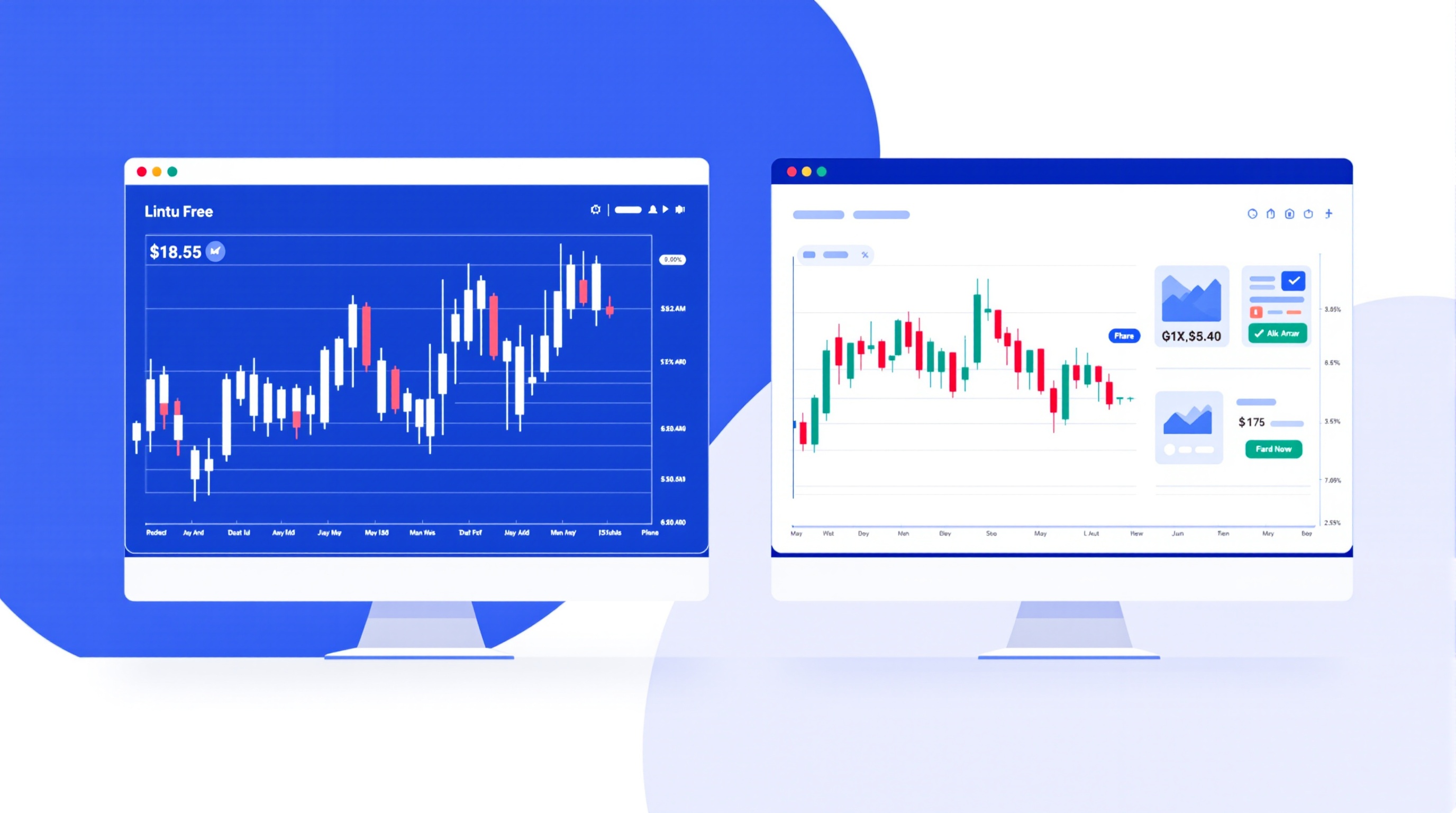
If you're setting up your first trading account, the MetaTrader 4 vs MetaTrader 5 decision is one of the first practical choices you'll make — and it's less complicated than it looks. Both are free charting and order-execution platforms offered by most FCA-regulated brokers, and both will let you place a basic forex trade competently. This lesson explains what's actually different, what genuinely matters for a beginner, and how to check your setup properly before you go live.
This is Module 4 of the PipTax FX Trading School, and it builds directly on the account types lesson in Module 3 — you should already know whether you're opening a standard, raw-spread or ECN-style account, because that affects which platform your broker even offers.
What Is MetaTrader, and Why Two Versions?
MetaTrader is trading platform software built by a company called MetaQuotes. Brokers license it and connect it to their own pricing and execution systems — the platform itself doesn't set your spreads or costs, your broker does.
MT4 launched in 2005 and became the industry standard for retail forex. MT5 arrived in 2010 as a broader replacement, adding more markets, more timeframes and a rebuilt order system. MetaQuotes has focused new development on MT5 for years, but MT4 never disappeared, because:
- Huge numbers of existing Expert Advisors (EAs) and indicators were written for MT4's language, MQL4
- Many traders simply learned MT4 first and never felt a need to switch
- Brokers kept running MT4 servers because client demand stayed strong
So today you'll find both live side by side. Pepperstone, for example, runs separate MT4 and MT5 server lists you choose between when opening an account. IG offers MT4 as one option alongside its own proprietary platform. Neither situation is unusual — this is standard across the industry.
Key Differences That Actually Matter for Beginners
Here's a practical comparison, stripped of jargon:
| Feature | MT4 | MT5 | |---|---|---| | Timeframes | 9 | 21 | | Order types | 4 pending order types | 6 pending order types, plus stop-limit orders | | Built-in economic calendar | No | Yes | | Depth of Market (order book) | Limited | Yes, broker-dependent | | Asset coverage | Mainly forex/CFDs | Forex, CFDs, stocks, futures (broker-dependent) | | Programming language | MQL4 | MQL5 | | Interface complexity | Simpler | More menus and panels |
For a beginner trading spot forex only, most of this table is irrelevant on day one. The economic calendar and extra timeframes are genuinely useful as you progress; the extra order types matter more once you're trading actively. Nothing here should make or break your first month of learning to read charts and place trades.
MT4: Strengths for a First Account
MT4 is often recommended to newcomers for a few honest reasons:
- Simpler layout — fewer menus, less to click through by accident
- Enormous free resource base — years of tutorials, forum posts and free indicators exist specifically for MT4
- Widely supported — nearly every forex-focused broker still offers it
- Lightweight — runs comfortably on older computers and basic VPS setups
The trade-off is that MT4 won't get new official features going forward, and its order system is more basic. For someone purely learning to read a chart, use stop-losses, and understand lot sizing, none of that is a real handicap.
MT5: Strengths for a First Account
MT5 suits beginners who expect to grow their trading beyond simple spot forex, or who want more built-in tools from day one:
- Extra timeframes for more granular analysis as your reading skills improve
- Built-in economic calendar, useful once you start factoring news events into your plan
- More order types, including stop-limit orders
- Broader market access if your broker also offers shares, indices or futures on the same platform
The trade-off is a busier interface with more to learn upfront, and a smaller (though now substantial) library of third-party tools compared with MT4's head start.
How to Choose: A Practical Checklist
Rather than picking based on hype, work through this:
1. Check your broker's platform list. Confirm both MT4 and MT5 are actually available on the account type you want — use /brokers/index.html to compare what's on offer. 2. Open a demo on each. Spend a week placing the same practice trades on both. Notice which one you navigate without thinking. 3. Check third-party tool needs. If you already know you want a specific free indicator or EA, confirm which MQL version it's built for. 4. Ignore the platform when comparing cost. Spreads, commissions and swaps depend on your broker and account, not on MT4 vs MT5. Run the numbers on /audit.html before assuming one route is cheaper. 5. Check swap rates if you might hold overnight. Overnight financing charges apply regardless of platform — see current rates on /rates.html.
MetaTrader 4 vs MetaTrader 5: The Bottom Line
The real answer to MetaTrader 4 vs MetaTrader 5 is that it's a smaller decision than beginners often assume. Both platforms will let you execute a sound trading plan; the bigger factors are your broker's execution quality, your account's actual costs, and whether you understand what you're clicking. Open demo accounts on both through an FCA-regulated broker like Pepperstone or IG, get comfortable navigating charts and orders on whichever feels clearer, and then use PipTax's /audit.html tool to check the real spreads, commissions and swaps before you commit real money. Remember that trading forex carries a genuine risk of loss, and no platform choice changes that.
Key takeaways
- MetaTrader 4 vs MetaTrader 5 is really a choice between a simpler, older platform (MT4) and a broader, more modern one (MT5) — both can execute a basic forex strategy fine.
- MT5 adds more timeframes, an extra order type set, a built-in economic calendar, and access to more asset classes, but has a steeper interface to learn.
- MT4 remains the most widely supported platform for third-party Expert Advisors (EAs) and custom indicators, though MT5 has closed most of that gap.
- Your choice matters less than your broker's execution and costs — always check spreads, commissions and swaps on the actual account type you'll trade.
- Beginners should open a demo account on both platforms with the same broker (e.g. Pepperstone or IG) before committing, and confirm live costs using PipTax's cost tool.
- This lesson builds on Module 3's account types lesson — know your account type before picking a platform, since not every account is offered on both MT4 and MT5.
Frequently asked questions
- Is MetaTrader 5 better than MetaTrader 4 for beginners?
- Not automatically. MT5 has more features (extra timeframes, an economic calendar, more order types), but MT4 is simpler and still has the largest library of free indicators and Expert Advisors. For a first account, either works — pick based on what your chosen broker supports well and what feels easier to navigate on your demo.
- Can I trade forex on both MT4 and MT5 with the same broker?
- Many FCA-regulated brokers, including Pepperstone and IG, offer both platforms, but not always on every account type. Check the broker's platform and account pages directly, and confirm on /brokers/index.html before opening a live account.
- Do MT4 and MT5 have different spreads or costs?
- The platform itself doesn't set spreads or commissions — your broker and account type do. Costs can vary between account types even at the same broker, so always check current spreads, commissions and swaps using PipTax's /audit.html tool rather than assuming MT4 and MT5 are priced the same.
- Is MT4 being phased out?
- MetaQuotes stopped actively developing MT4 in favour of MT5 some years ago, but many brokers, including well-known FCA-regulated names, still run MT4 servers because of demand from traders using older EAs and indicators. It's not disappearing overnight, but new features only appear in MT5.
- Which platform should I learn first as a complete beginner?
- Start with whichever platform your broker's demo account defaults to, since that removes one variable while you're learning order types and chart reading. If you're unsure, MT4's simpler layout is often slightly easier for absolute beginners, but the difference is small once you're comfortable navigating any charting platform.
- Can I switch from MT4 to MT5 later without losing my strategy?
- Manual strategies transfer easily — you're just reading charts and placing trades. Automated strategies (EAs) need to be rewritten, because MT4 uses MQL4 and MT5 uses MQL5, which aren't directly compatible. Factor this in if you plan to automate anything down the line.