Home › FX Trading School › Beginner
Market, Limit and Stop Orders Explained
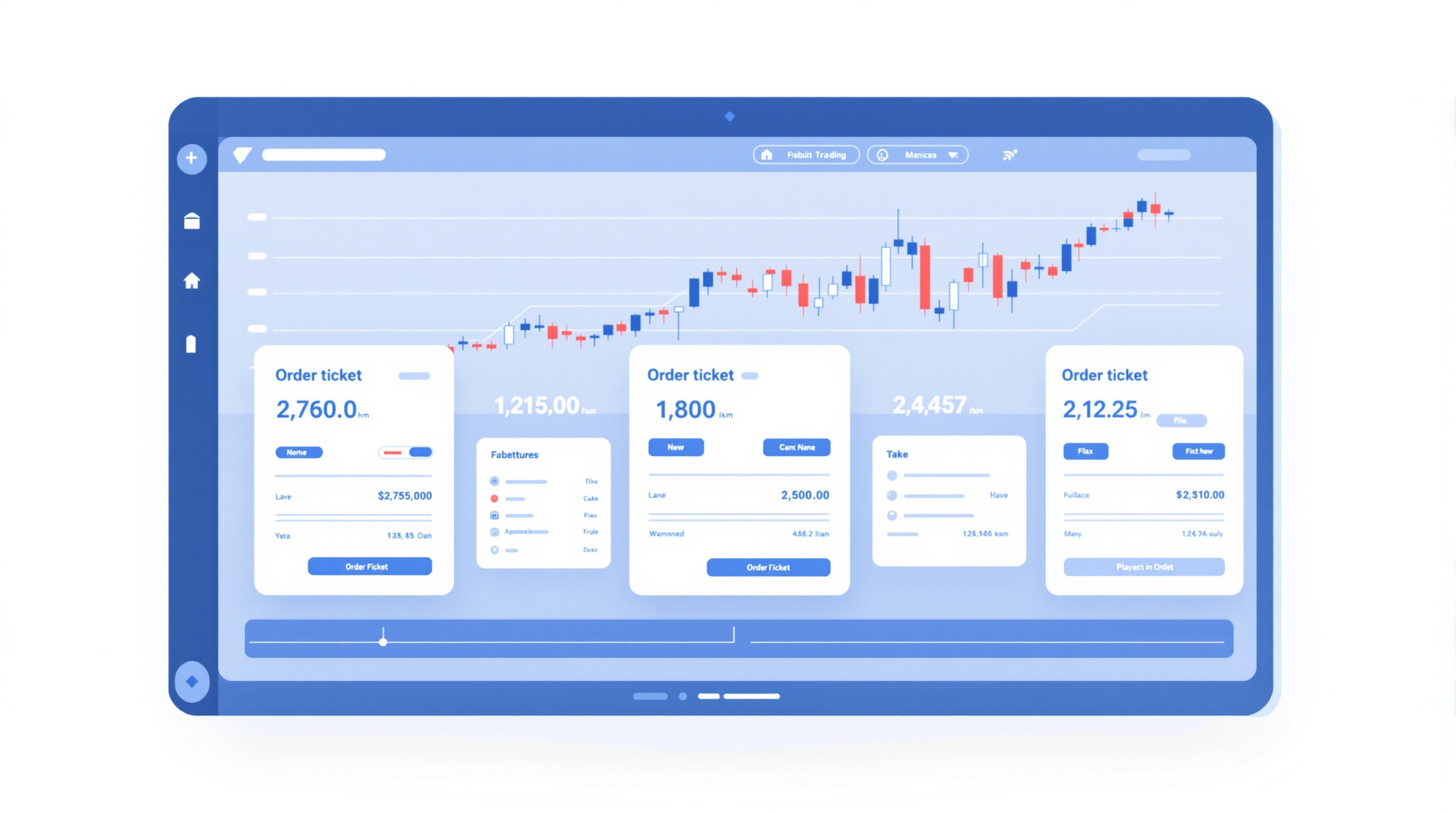
Understanding market, limit and stop orders is the difference between trading with a plan and just clicking buttons. These three order types are how every forex trade gets opened and closed, and this lesson — part of Module 2: Charts & Orders in the PipTax FX Trading School — explains what each one does, when traders actually use them, and how the choice affects the price you pay.
This lesson assumes you've already covered bid/ask spread and pip values from Module 1. If those terms feel shaky, it's worth a quick revisit before continuing, because spread is exactly what makes order type matter.
What a Market Order Does
A market order tells your broker "get me in (or out) right now, at whatever the current price is." It's the simplest order type and the one most new traders use first.
- Execution: Instant, at the best available price at that moment.
- Certainty: You will get filled — the only question is the exact price.
- Cost: You pay the full spread immediately, and if the market is moving fast, you may also experience slippage (getting a slightly worse price than you expected).
Say you're watching EUR/USD on Pepperstone's MetaTrader platform and decide to buy right now. You click "buy," and the order fills at the current ask price. There's no waiting, no "what if it doesn't reach my price" — but you have no control over the exact entry level beyond a small deviation tolerance you can set in most platforms.
Market orders suit situations where getting in matters more than getting the perfect price — for example, entering a trade you've already fully planned, or closing a position quickly because conditions have changed.
What a Limit Order Does
A limit order says "only fill me at this price or better." You set the level in advance and the order sits unfilled until (and unless) the market reaches it.
- Buy limit: Placed below the current market price — you want to buy cheaper than now.
- Sell limit: Placed above the current market price — you want to sell higher than now.
- Guarantee: Price, not fill. If the market never reaches your level, the order simply expires or stays pending.
Limit orders are the tool for planned entries — for instance, waiting for price to pull back to a support level before buying, rather than chasing the market. Both Pepperstone and IG let you set pending limit orders with an optional expiry, so you're not left with a stale order sitting untouched for weeks.
The trade-off is opportunity cost: if you set your limit too far from price hoping for a bargain, the move might happen without you.
What a Stop Order Does
A stop order is placed on the *opposite* side of a limit order relative to current price, and it triggers a market order once reached:
- Buy stop: Placed above the current price — used to enter a breakout as price pushes upward.
- Sell stop: Placed below the current price — used to enter a breakdown, or as a stop-loss on a long position.
Because a stop order converts into a market order the instant it triggers, it carries the same execution risk as a market order: spread and possible slippage, especially around news releases or thin liquidity.
Market vs Limit vs Stop: Quick Comparison
| Order Type | Placed Relative to Price | Guarantees | Typical Use | |---|---|---|---| | Market | At current price | Fill (not exact price) | Immediate entry/exit | | Limit | Better than current price | Price (not fill) | Planned entries, taking profit | | Stop | Worse than current price (triggers) | Neither, once triggered acts like market | Breakout entries, stop-losses |
Keep this table in mind — it's the core mental model for the rest of this module.
Using Stop Orders to Manage Risk
The most important everyday use of a stop order isn't entering trades — it's protecting them. A stop-loss is a sell stop (on a long position) or buy stop (on a short position) placed at the maximum loss level you're willing to accept.
- Set it before you get into the trade, not after — deciding your exit while calm beats deciding it under pressure.
- A trailing stop moves automatically as price moves in your favour, locking in gains while still giving the trade room to breathe.
- Remember that a triggered stop-loss executes as a market order, so in fast-moving or gapping markets your actual exit price can differ from your stop level.
This is standard practice on both Pepperstone's MetaTrader platform and IG's own platform — the mechanics are the same, though exact execution behaviour is worth checking in each broker's order execution policy.
How Order Type Affects Your Real Trading Cost
Every order type still runs into the same underlying costs: spread, and commission if your account uses one. A market order pays that cost the instant it fills. A limit order pays it only once triggered — but at a price you chose. A stop order, once triggered, behaves exactly like a market order and pays spread (plus possible slippage) at that moment too.
This is why comparing "cheap" brokers on headline spread alone can mislead you — the way you enter (market vs limit vs stop) interacts with spread, commission and slippage to produce your actual cost per trade. Rather than guessing, run your typical trade size and order style through the PipTax cost tool to see a realistic total, and check broker specifics on the brokers comparison page before committing.
Practising Order Types Safely
Before using any of these on a live account:
1. Open a demo account with your chosen broker (Pepperstone and IG both offer them). 2. Place one of each order type — market, limit, stop — on a small demo position. 3. Watch what happens when price moves through your limit or stop level. 4. Note the fill price versus the price you expected, so you understand slippage in practice. 5. Only then move to a live account with small size.
Getting comfortable with market, limit and stop orders on demo first means your first live trades are about strategy, not fumbling with the order ticket. This is a foundational skill for every lesson that follows in the FX Trading School — take the time to get it right.
Key takeaways
- A market order fills immediately at the best available price; a limit order only fills at your chosen price or better; a stop order triggers a market order once price reaches a set level.
- Limit orders control price but not certainty of a fill; market orders guarantee a fill but not the exact price, due to spread and slippage.
- Stop orders are used both to enter breakouts and to exit losing trades (stop-loss) or protect profit (trailing stop).
- The spread and any commission you pay apply to market orders the moment they fill — check live costs with the PipTax cost tool before you trade.
- Practise placing all three order types on a demo account before risking real money.
- This lesson assumes you already understand bid/ask spread and pips from Module 1 — revisit that lesson if either term is unfamiliar.
Frequently asked questions
- What is the difference between a limit order and a stop order?
- A limit order is placed to buy below the current price or sell above it, aiming for a better price than now. A stop order is placed to buy above the current price or sell below it, used to enter breakouts or to exit a trade once price moves against or in favour of you. Same distance from price, opposite intent.
- Which order type is best for beginners?
- There's no single 'best' — it depends on the situation. Most beginners start with market orders to enter trades they've already analysed, then add a stop-loss (a stop order) immediately to manage risk. Limit orders are introduced once you're comfortable planning entries in advance.
- Can a limit order still lose me money on slippage?
- A limit order guarantees your price or better once it fills, so it doesn't suffer negative slippage the way a market or stop order can. The trade-off is it might not fill at all if price never reaches your level, meaning you could miss a move entirely.
- Do market makers and ECN brokers handle these orders differently?
- Execution model can affect fill speed and slippage, but the order types themselves work the same way. Pepperstone's MetaTrader servers and IG's own platform both support market, limit and stop orders — check each broker's order execution policy and use PipTax's cost tool to compare realistic costs.
- What is a stop-loss and is it the same as a stop order?
- A stop-loss is simply a stop order used specifically to close a losing trade automatically at a pre-set level. It's the same mechanism as a stop entry order, just applied to protect your capital rather than to open a new position.