Home › FX Trading School › Intermediate
Introduction to Expert Advisors in MetaTrader
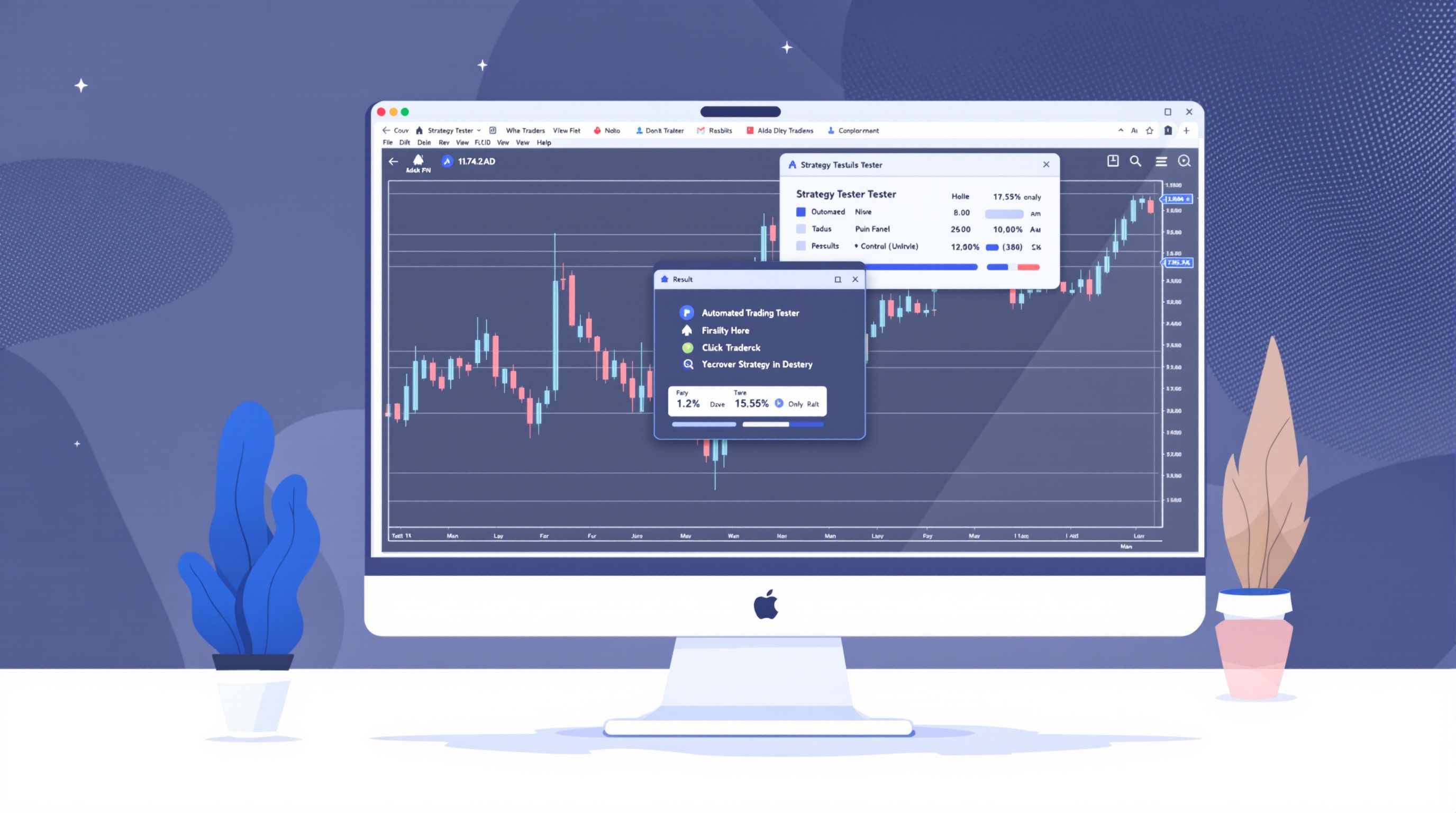
Expert Advisors in MetaTrader are the tool that lets a trader turn a set of written rules into a program that watches the market and places trades automatically. This lesson is Module 10 of the PipTax FX Trading School — the "Craft" module — and it assumes you're already comfortable with order types, stop-losses, and basic risk management from earlier lessons. If any of that feels shaky, it's worth revisiting those modules in the [school](/school/index.html) before you start automating anything.
What Is an Expert Advisor?
An Expert Advisor (EA) is a piece of software written in MQL4 (MetaTrader 4) or MQL5 (MetaTrader 5) that runs inside the MetaTrader terminal. Once attached to a chart, it can:
- Read price data — candles, indicators, spreads, time of day.
- Apply a fixed set of rules — for example, "if the 20-period moving average crosses above the 50-period, open a buy."
- Manage trades — placing stop-losses, take-profits, trailing stops, and closing positions without you clicking anything.
The key word is *fixed*. An EA does exactly what it's coded to do, with no judgement calls, no hesitation, and no emotion. That's the appeal — and also the risk. It won't panic-close a trade, but it also won't recognise that today's news event has made the market behave completely differently from its training data.
EAs range from simple single-indicator systems to complex multi-pair grid or martingale strategies. Complexity isn't a virtue in itself — a simple, well-tested rule set is usually easier to trust than a black box you don't fully understand.
How EAs Fit Into MetaTrader
MetaTrader was built with automation in mind from the start, and both MT4 and MT5 share the same broad structure:
1. The MQL editor — where EAs are written or edited as source code (.mq4/.mq5 files). 2. Compiled EA files — (.ex4/.ex5) that you drag onto a chart. 3. The Strategy Tester — a built-in tool for running an EA against historical price data. 4. The Experts and Journal tabs — logs showing what the EA is doing and any errors it hits.
To run an EA live, you attach it to a chart and enable AutoTrading (the button in the toolbar). Without that switch on, the EA loads but won't place trades — a useful safety check when you're just getting familiar with a new one.
Both Pepperstone and IG offer MetaTrader access to UK clients, and EAs work the same way on either platform in terms of the mechanics. What differs is execution: spreads, commissions, swap charges and server behaviour vary by broker and account type, so always confirm current terms on the [brokers page](/brokers/index.html) rather than assuming they're identical.
Backtesting: Your First Real Check
Before an EA touches real or even demo money, run it through MetaTrader's Strategy Tester. This replays historical price data through the EA's logic and reports the hypothetical results.
Things to check in a backtest:
- Date range — test across different market conditions (trending, ranging, volatile news periods), not just a lucky quiet spell.
- Modelling quality — MT4/MT5 offer different tick data models; "Every tick" is more realistic than "Open prices only."
- Spread and commission settings — the tester lets you set a fixed spread, but real spreads vary. Underestimating costs is one of the most common ways backtests flatter a strategy.
- Drawdown, not just profit — a strategy showing high returns with huge equity swings may be unworkable psychologically or from a margin standpoint.
Backtests are useful for rejecting obviously broken ideas quickly, but they're not proof a strategy will work going forward. Historical fit can hide overfitting — rules tuned so tightly to past data that they fall apart on new data.
Forward Testing on Demo
Once a backtest looks reasonable, the next step is running the EA on a demo account in real time, ideally for several weeks and across varied market conditions. This is where you find out about:
- Live execution quirks — slippage, requotes, or connection drops the backtester doesn't model.
- Broker-specific behaviour — swap charges over weekends, or how an EA handles Pepperstone's or IG's MetaTrader server conditions specifically.
- Practical issues — does your VPS or PC stay connected? Does the EA cope with a spread widening around news?
Skipping this step and going straight from backtest to live account is one of the most common mistakes new EA users make. A demo period is not wasted time — it's the difference between finding a problem with fake money or with your own.
Risk Controls Still Apply
Automation doesn't replace risk management — it just executes it faster. Before running any EA live, make sure it (or your account setup) enforces:
| Control | Why it matters | |---|---| | Fixed or % position sizing | Prevents one bad run from oversizing trades | | Stop-loss on every trade | Automation can compound losses quickly without one | | Maximum daily/weekly loss limit | Stops a broken EA from draining an account unattended | | Regular manual review | Even "set and forget" EAs need checking, not ignoring |
Costs also matter more with automated systems, especially high-frequency ones, because spread and commission are paid on every trade the EA generates. Run your expected trade volume through the [cost impact tool](/audit.html) to see how execution costs might erode a strategy's edge before you commit capital.
Where to Get Expert Advisors
Broadly, there are three routes:
- Write your own in MQL4/MQL5 — full control, but requires programming knowledge.
- Buy or download one from the MQL5 Marketplace, forums, or a developer — check reviews and, crucially, test it yourself rather than trusting published results.
- Commission a custom build from a developer to automate a strategy you've already manually tested.
Whichever route, treat every EA — free or paid — as unverified until you've backtested and forward-tested it yourself. Published results can be selectively presented or run under unrealistic cost assumptions.
Conclusion
Expert Advisors in MetaTrader are a genuinely useful way to remove manual execution errors and enforce discipline on a trading rule set — but they're not a shortcut to easy profits, and most retail accounts still lose money whether trades are placed by hand or by robot. Treat an EA the way you'd treat any new strategy: understand its rules, backtest it properly, forward-test it on demo, and only then consider small live exposure with real risk controls in place. Check current spreads and commissions via the [cost tool](/audit.html) and compare broker conditions on the [brokers page](/brokers/index.html) — and see the [methodology](/methodology.html) page for how PipTax approaches cost comparisons — before assuming any backtest translates directly into live results.
Key takeaways
- Expert Advisors in MetaTrader are programs written in MQL4/MQL5 that can analyse charts and place trades automatically to a fixed set of rules.
- An EA is only as good as its rules and its testing — always run it through the Strategy Tester on historical data before considering a demo or live account.
- Backtests can mislead you if spread, slippage and swap aren't modelled realistically, so check settings against your actual broker's conditions using the cost tool.
- Demo testing for several weeks in real market conditions is a required step between backtesting and going live, not an optional extra.
- MetaTrader's built-in Strategy Tester, journal and optimisation tools let you inspect an EA's logic without needing to be a programmer yourself.
- This module builds on earlier lessons on order types and risk management — an EA still needs proper position sizing and stop-loss rules to be safe.
Frequently asked questions
- Do I need to know how to code to use an Expert Advisor in MetaTrader?
- No. You can buy, download, or build an EA using visual tools, then simply attach it to a chart. Coding in MQL4/MQL5 helps if you want to write or adjust your own logic, but plenty of traders run EAs they didn't write themselves — as long as they understand the rules and have tested them properly.
- Can an Expert Advisor guarantee profits?
- No. An EA only automates a set of rules; it doesn't remove market risk. Most retail accounts lose money, and automation can lose just as fast as it can win, sometimes faster if the rules are flawed or market conditions change. Treat any 'guaranteed' claim as a red flag.
- What's the difference between backtesting and forward testing an EA?
- Backtesting runs the EA against historical price data inside MetaTrader's Strategy Tester to see how it would have performed. Forward testing (usually on a demo account) runs the EA in real time on live prices without historical hindsight. You need both — a good backtest with a poor forward test usually means overfitting.
- Will an EA work the same on Pepperstone and IG?
- The underlying MQL code behaves the same, but execution depends on each broker's spreads, commissions, swap rates and server conditions. Pepperstone and IG both offer MetaTrader access with different cost structures, so always check current figures via the cost tool and broker pages before assuming identical results.
- Where do Expert Advisors run — do I need my computer on all the time?
- The EA only trades while it's attached to a running MetaTrader terminal with AutoTrading enabled. Many traders use a VPS (virtual private server) so the platform stays online 24/5 without relying on a home PC or internet connection.