Home › FX Trading School › Beginner
Demo Account Trading: Practise Safely (Module 4)
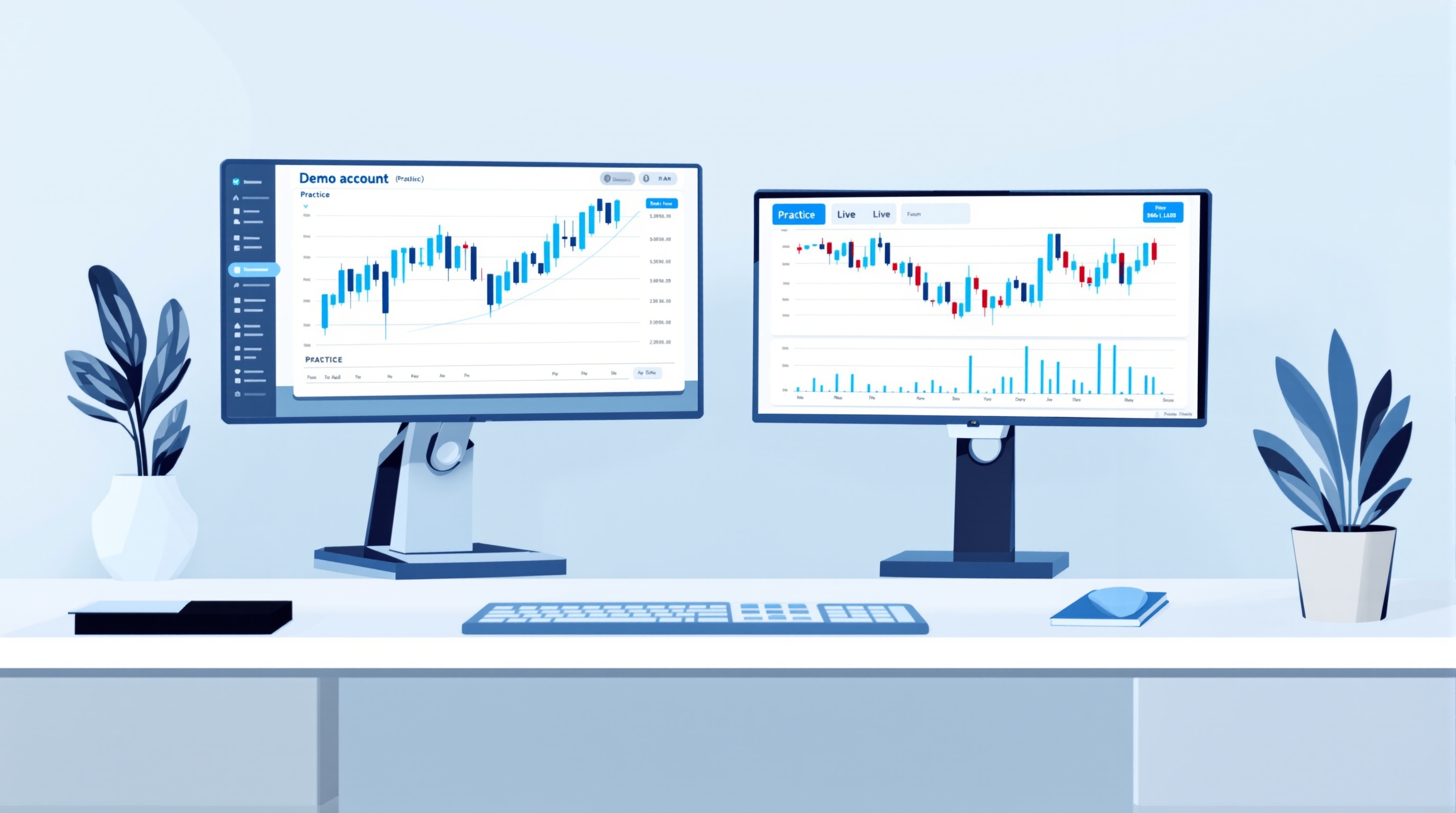
Demo account trading is the standard way beginners learn a forex platform before risking real money, and it's the focus of this Module 4 lesson in the PipTax FX Trading School. Used properly, a demo account teaches you the mechanics of placing and managing trades; used badly, it can give you false confidence that falls apart the moment real money is involved.
This lesson assumes you've already worked through the earlier Module 4 lessons on choosing a broker and understanding order types — a demo account is where you put those ideas into practice, safely.
What a demo account actually is
A demo account (sometimes called a practice account) is a simulated trading account that uses fake money but real, or near-real, market prices. You open positions, set stop losses, and watch profit and loss move exactly as you would on a live account — except nothing you win or lose is real.
Most FCA-regulated brokers offer them free, with no obligation to fund a live account afterwards. For example:
- Pepperstone offers demo accounts across its MetaTrader 4, MetaTrader 5 and cTrader servers, mirroring what you'd get live
- IG offers a demo on its own proprietary platform, alongside MetaTrader options, so you can test both before choosing
The point of demo trading isn't to prove you can make money — it's to remove the guesswork around *how the platform works* before that guesswork costs you something real.
What demo trading can teach you
Used with intent, a demo account is genuinely useful for:
- Platform navigation — finding order tickets, setting stop losses and take-profits, reading the depth of market
- Order types in practice — the difference between a market order, a limit order and a stop order, and how slippage can affect fills
- Position sizing mechanics — working out lot sizes so your risk per trade matches the percentage you decided on in your risk management lesson
- Reading your own plan — testing whether you can actually follow a written trading plan under pressure, even simulated pressure
- Recording habits — building the discipline of a trading journal before real money adds emotional noise
Think of demo trading as flight simulator time: it builds muscle memory and removes silly platform errors, so that when you do go live, you're not learning to use the software and manage risk at the same time.
What demo trading can't teach you
Be honest about the limits, because this is where most beginners get overconfident:
- Real psychology — losing simulated money doesn't feel like losing rent money. Fear, greed and revenge trading rarely show up properly on demo
- Realistic execution — demo fills are often cleaner than live fills, especially around news events or thin liquidity, because there's no real order queue
- True cost pressure — spreads and commissions look the same on paper, but they don't *sting* the same way until they're coming out of a real balance
- Discipline under real stakes — sticking to a stop loss is easy when nothing is really at stake
A trader who is calm and consistent on demo can become erratic on a live account of even £200. That gap is normal — it's why this lesson exists.
Setting up a demo account properly
Don't just click "demo" and start clicking buttons. Set it up to actually resemble your future live account:
1. Choose a broker you'd realistically trade live — ideally one you're already comparing on the PipTax broker pages, such as Pepperstone or IG 2. Match the balance to your real plan — if you intend to deposit £500 live, demo with £500, not the platform's default £10,000 or £100,000 3. Use the same instruments you intend to trade live — don't demo gold and crypto if you plan to trade EUR/USD 4. Set the same leverage you'd realistically use live, not the maximum offered 5. Write down your trading plan first — entry rules, stop loss placement, position size — before you place a single demo trade
This turns demo trading from aimless clicking into a genuine rehearsal.
Tracking costs on a demo account
Spreads, commissions and swaps still appear on most demo accounts, and it's worth getting familiar with how they affect your results even before you trade live.
| What to check on demo | Why it matters | |---|---| | Spread per trade | Adds to your entry cost every time | | Commission (if any) | Common on raw/ECN account types | | Overnight swap | Charged for positions held past the daily cut-off | | Slippage on stops | Shows the gap between expected and actual fill |
Demo numbers are a reasonable guide but not gospel — live spreads can widen in fast markets in ways demo feeds don't always reflect. Before you fund a live account, run the actual instruments and account type through the [PipTax cost tool](/audit.html) to see how spread and commission choices compare across brokers, and check current typical costs on the [rates page](/rates.html).
Knowing when to move from demo to live
Demo account trading should have an end point, not run indefinitely. Reasonable graduation criteria include:
- You've followed your written trading plan consistently across 20-30 demo trades
- You understand your position sizing and risk-per-trade well enough to calculate it without help
- You've checked real costs for your chosen broker and account type using the [cost tool](/audit.html)
- You're prepared to start live with a small amount you can genuinely afford to lose
When you do move to live, keep the same broker, platform and account type you demoed where possible — for instance, if you tested Pepperstone's MetaTrader 5 server or IG's own platform, start live on the same one. This keeps execution and costs predictable rather than introducing a whole new variable at the same time you're introducing real money.
Conclusion
Demo account trading is a genuinely useful first step for any beginner forex trader, but it's a rehearsal, not the real performance — it teaches platform mechanics and order handling, not the psychology of real money on the line. Set your demo up to mirror your real plan, track costs from the start, give yourself clear criteria for moving on, and treat the jump to live trading as a small, deliberate step rather than a leap. For the next lesson in this module, and to compare real broker costs before you fund a live account, see the [PipTax FX Trading School index](/school/index.html) and the [broker comparison pages](/brokers/index.html).
Key takeaways
- Demo account trading lets you learn platform mechanics and order types with zero financial risk, but it can't fully replicate the psychology of trading real money
- Open a demo with a broker you'd realistically trade live with, such as Pepperstone or IG, so the platform and instrument list match what you'll actually use
- Set your demo balance and position sizes to mirror the deposit you actually plan to trade with — a £100k demo teaches you nothing about a £500 live account
- Track spreads, commissions and swaps on demo, then verify them against real costs using the PipTax cost tool before going live
- Give yourself a fixed demo period with a written plan and clear graduation criteria, rather than trading demo indefinitely
- Moving to live should start small, on the same broker and account type you tested, so execution and costs carry over predictably
Frequently asked questions
- How long should I use a demo account before going live?
- There's no fixed rule, but most beginners benefit from at least 4-8 weeks of consistent demo trading, covering different market conditions. The better marker is process, not time: can you follow your trading plan (from earlier modules on strategy and risk) on 20-30 trades in a row without deviating? If not, stay on demo longer.
- Do demo accounts use real market prices?
- Broadly yes — most brokers, including Pepperstone and IG, feed demo accounts from the same or very similar live price streams. However, execution quality (slippage, fill speed during news) is often better on demo than live, since there's no real order competing for liquidity. Treat demo execution as a best-case scenario, not a guarantee.
- Can I lose money on a demo account?
- No — a demo account uses simulated funds, so there's no real financial risk. This is exactly why it's useful for learning platform mechanics, but it also means it can't teach you how you'll actually feel when real money is on the line.
- Should I use the same broker for demo and live trading?
- It's a sensible default. Testing on the same platform, order types and instrument list you'll trade live (for example Pepperstone's MetaTrader servers or IG's own platform) means fewer surprises when you switch. Compare brokers first using the PipTax broker pages and cost tool, then demo the one you're seriously considering.
- What size should my demo balance be?
- Match it to the amount you genuinely plan to deposit live. If you'll start with £500, demo with £500 — not the £10,000 or £100,000 default many platforms offer. This keeps your position sizing and risk-per-trade habits realistic.