Home › FX Trading School › Pro
Backtesting Properly in the MetaTrader Strategy Tester
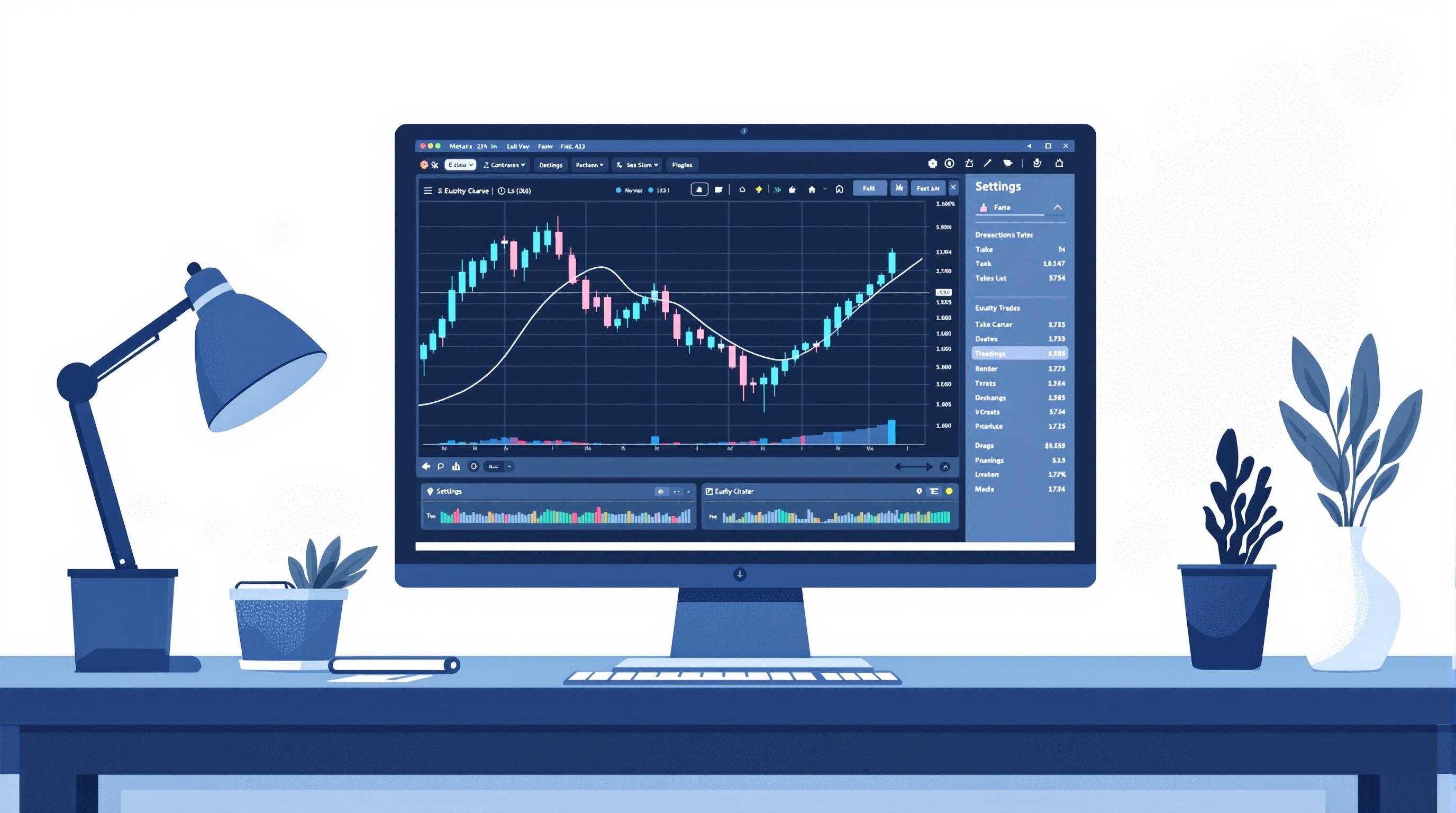
Backtesting in the MetaTrader Strategy Tester is one of those skills every trader thinks they can do — and almost nobody does properly. This lesson is Module 13 of the PipTax FX Trading School, and it assumes you've already worked through position sizing and risk-per-trade (Module 6) and the cost-modelling basics in Module 9, since a backtest that ignores real trading costs is just fiction with a nice equity curve.
Why most MetaTrader backtests lie to you
Before touching settings, understand the failure modes. A backtest's job is to answer one question honestly: would this strategy have made money after real costs, on real price data, without hindsight? Most retail backtests fail because of:
- Look-ahead bias – using information (like a candle's close) before it would have existed in real time.
- Overfitting – tuning parameters until the equity curve looks perfect on one dataset, which usually means you've fitted noise, not edge.
- Unrealistic fills – assuming every order fills at the exact price with zero slippage.
- Ignored costs – spread, commission and swap left out or guessed, which flatters almost every strategy.
- Survivorship-friendly data – testing only on a period or symbol you already know performed well.
None of these are exotic problems. They're the default state of a Strategy Tester run left on its factory settings. Proper backtesting isn't about running the test — it's about removing these five distortions one by one, and being honest about what's left.
Setting up the MetaTrader Strategy Tester correctly
MetaTrader 4 and 5 both include a built-in Strategy Tester, but the defaults are built for speed, not accuracy. To get a usable result:
1. Choose "Every tick" modelling (MT4) or the highest-quality tick data available (MT5), not "Open prices only" — the latter can hide entire trade sequences. 2. Use real tick data where possible. MT5's tester can download tick history from your broker's server; quality varies by broker and symbol, so check the data quality report after each run. 3. Match the symbol's actual trading conditions — contract size, minimum stop distance, and execution mode (instant vs market) should reflect what you'd get live. 4. Test on the same broker server you'd actually trade on. A backtest run against generic MT4 demo data won't reflect Pepperstone's MetaTrader server conditions or IG's own feed — data quality and available history differ by broker, so pull your test data from the account type you intend to trade. 5. Run a forward-walk, not just a single historical window — split your data into an in-sample period for tuning and an out-of-sample period you don't touch until the strategy is locked.
Small setup mistakes here compound into big result distortions, so this stage deserves more time than the actual strategy coding.
Modelling spreads, commissions and slippage without guessing
This is where most home-tested strategies quietly fall apart in live trading. The Strategy Tester lets you set a fixed spread, but real spreads move with volatility and session — tight in London hours, wider around news and rollover. If you hard-code today's spread into a year-long backtest, you're testing a market that never existed.
Practical approach:
- Model spread as a variable, not a constant — use a wider "stress" spread for a second pass to see how sensitive your edge is to cost.
- Add commission per lot manually if your account type charges it separately from spread — MT4/5 don't always apply this automatically depending on setup.
- Include swap/rollover costs for any strategy holding positions overnight, especially multi-day swing systems.
- Add a slippage buffer on entries and stops, particularly around news events or on less liquid pairs.
Because real spreads, commissions and swaps vary by broker and account type, don't estimate them — check current figures against Pepperstone's and IG's published conditions, and run the numbers through PipTax's cost tool at /audit.html before you finalise any backtest assumptions. A strategy's real edge is what survives after costs, not before them.
Avoiding curve-fitting: the discipline part
Curve-fitting is the single most common reason a backtested strategy dies on a live account. The fix isn't a clever indicator — it's process discipline:
- Limit your parameters. Every extra input (a moving average length, an extra filter) is another dimension you can accidentally overfit.
- Split data properly: in-sample for development, out-of-sample for validation, and ideally a third untouched period for final confirmation.
- Test across multiple symbols and regimes — trending and ranging periods, high and low volatility. A strategy that only works in one six-month window isn't a strategy, it's a coincidence.
- Be suspicious of "too good" results. A smooth 45-degree equity curve with no drawdown is a red flag, not a reward.
- Re-test after any tweak on the out-of-sample data, not the data you just optimised on.
If a strategy only survives with heavily tuned parameters, treat that as information about its fragility, not proof of an edge.
From Strategy Tester to forward testing
A backtest is a hypothesis, not a verdict. Once a strategy survives honest backtesting in the MetaTrader Strategy Tester:
1. Forward test on a demo account for a meaningful sample size — weeks, not days. 2. Compare demo fills to backtest assumptions — if slippage and spread are noticeably worse live, revisit your cost model. 3. Move to a small live position only after demo results roughly track backtest expectations, understanding that small live psychology differs from demo. 4. Log everything — entries, exits, costs, and deviations from the plan — so you can compare the live journal against the original backtest assumptions.
This staged approach protects you from the single biggest gap in retail trading: a backtest that looks robust on paper but was never actually tested against real execution and real costs.
Building a repeatable backtesting workflow
Treat backtesting as a checklist, not a one-off event, especially since you'll revisit strategies as broker conditions or market regimes shift:
| Step | What to check | |---|---| | Data | Tick quality, matching broker/server, sufficient history | | Costs | Spread (variable), commission, swap, slippage buffer | | Split | In-sample vs out-of-sample vs final holdout | | Parameters | Minimum needed, no unnecessary curve-fit inputs | | Robustness | Multiple symbols, multiple regimes, stress-tested spread | | Forward test | Demo period before any live capital |
Save this workflow as a template you re-run for every new idea. Backtesting in the MetaTrader Strategy Tester is only useful if it's repeatable and honest — a single pretty equity curve proves nothing on its own.
Conclusion: backtesting is a discipline, not a shortcut
Done properly, backtesting in the MetaTrader Strategy Tester is slow, slightly boring, and far more useful than the quick five-minute version most traders run. It won't tell you a strategy will definitely work — nothing can, and trading always carries the risk of losing money — but it will tell you honestly whether an idea has a plausible edge once realistic costs are included. Before trusting any backtest, run your real spread, commission and swap assumptions through PipTax's cost tool, and check current conditions against the brokers pages so your next test starts from facts, not guesses.
Key takeaways
- The MetaTrader Strategy Tester's default settings are built for speed, not accuracy — always use every-tick or high-quality tick data
- Model spread, commission and slippage as variable, realistic costs rather than fixed guesses, and verify current figures via the cost tool
- Curve-fitting is avoided through discipline: fewer parameters, proper in-sample/out-of-sample splits, and testing across multiple regimes
- A backtest is a hypothesis — always forward test on demo before committing live capital
- Run backtests against the same broker/server conditions you intend to trade, e.g. Pepperstone's MetaTrader servers or IG's own platform feed
- Treat backtesting as a repeatable checklist workflow, not a one-off test
Frequently asked questions
- Is MT4 or MT5 better for backtesting?
- MT5's Strategy Tester generally offers better tick data handling and multi-symbol testing, but both can produce reliable results if you use every-tick/high-quality data and model costs realistically. The platform matters less than the discipline you apply.
- How much historical data do I need for a reliable backtest?
- Enough to cover multiple market regimes — trending, ranging, high and low volatility. A few months is rarely enough; most robust tests use several years split into in-sample and out-of-sample periods.
- Can I trust the Strategy Tester's default spread setting?
- No — treat it as a starting estimate only. Spreads vary by broker, session and volatility, so test with a variable or stressed spread and confirm real current costs via PipTax's cost tool and broker pages before trusting the results.
- What's the difference between backtesting and forward testing?
- Backtesting uses historical data to see how a strategy would have performed; forward testing runs the strategy live (usually on demo first) going forward in real time, which reveals execution issues a backtest can't fully capture.
- How do I know if I've overfitted my strategy?
- Warning signs include an unusually smooth equity curve, heavy reliance on many finely-tuned parameters, and performance that collapses on out-of-sample or different-symbol data. If it only works on one exact dataset, it's likely overfit.