Two-Factor Authentication on IG and Pepperstone: A Guide
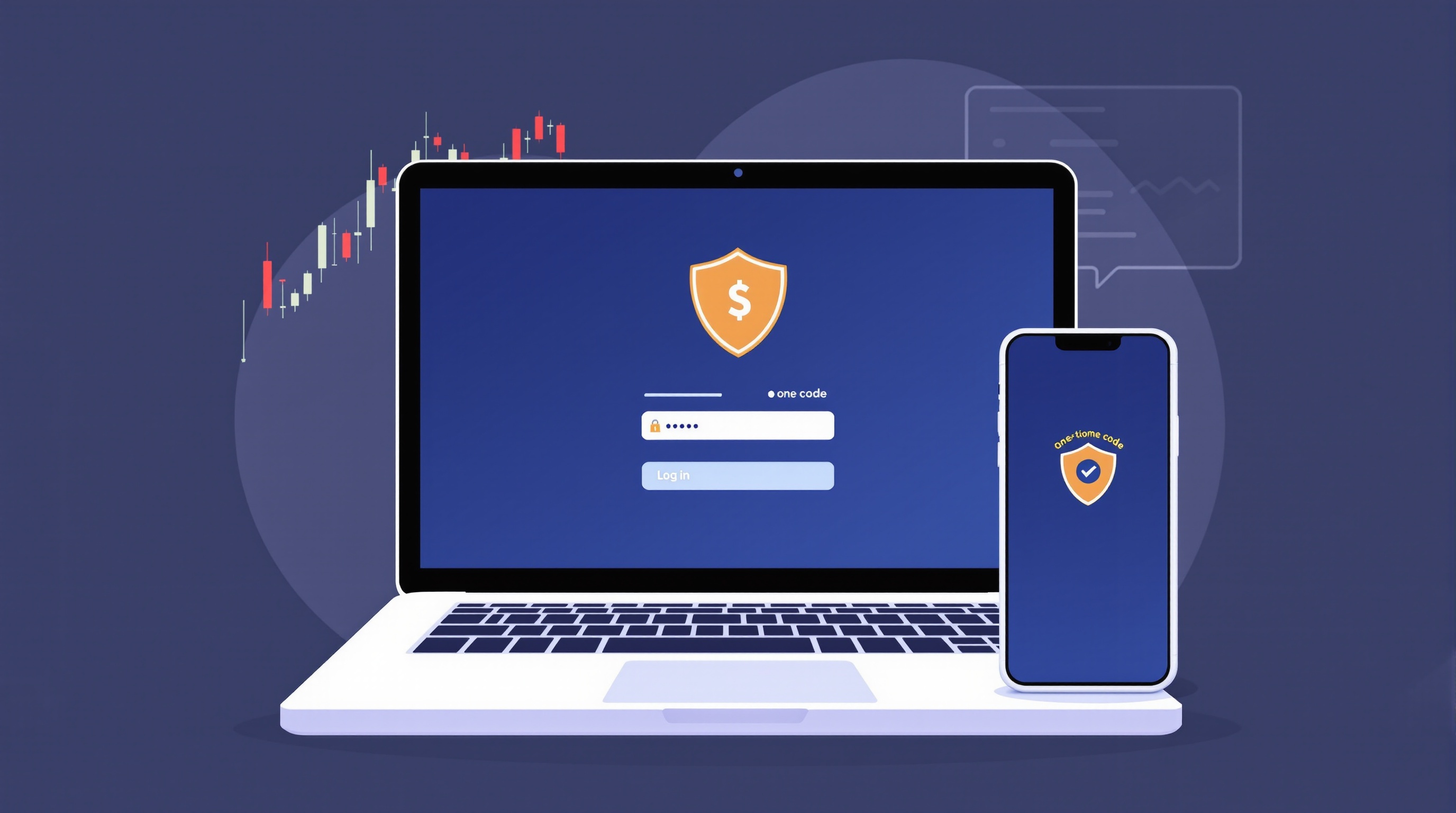
Two-factor authentication (2FA) on IG and Pepperstone is one of the simplest, highest-value security steps a trader can take — it takes five minutes to set up and materially reduces the risk of someone else logging into your account and touching your money. This guide walks through why it matters, how it works on each broker, and the wider account security habits worth building alongside it.
Why two-factor authentication matters for trading accounts
A trading account is not just a login — it's connected to your funds, your personal data, and often your bank details. If a criminal gets your password (through a data breach, phishing email, or a reused password from another site), 2FA is usually the thing that stops them getting in.
Here's what 2FA actually protects against:
- Credential stuffing — attackers trying passwords leaked from other websites against your broker login.
- Phishing — fake emails or SMS messages designed to steal your password.
- Simple guessing — weak or reused passwords being cracked.
Without 2FA, a stolen password is often enough on its own. With 2FA switched on, an attacker also needs your phone, authenticator app, or a one-time code — something they're very unlikely to have.
Both IG and Pepperstone are FCA-regulated brokers operating in the UK, and both support additional login verification alongside your username and password. Exactly which 2FA methods are offered (SMS, app-based authenticator, email code) can change over time, so always check the current options inside your account security settings rather than assuming — but the principle is the same across both: a second, independent proof of identity beyond your password.
Setting up 2FA on IG
IG's own platform sits alongside MetaTrader access for many account types, and account security is generally managed centrally through your IG login rather than through the trading platform itself. To review or enable extra verification:
1. Log into your IG account via the website (not just the app) where security settings are usually most complete. 2. Go to your account or profile settings and look for a security or login verification section. 3. Follow the prompts to add a second verification method — this may be an authenticator app, SMS code, or similar, depending on what IG currently offers. 4. Save backup codes if offered, and store them somewhere safe (not in your email inbox, which could be the same account an attacker has compromised).
Because IG's own platform and MetaTrader can both connect to the same underlying account, securing your core IG login protects access however you choose to trade.
Setting up 2FA on Pepperstone
Pepperstone is also FCA-regulated and offers access to MetaTrader alongside its own client portal. Account-level security — including any two-factor login options — is typically managed through the Pepperstone client portal rather than inside MetaTrader itself:
1. Log into the Pepperstone client portal directly. 2. Navigate to account settings or security preferences. 3. Enable the available second verification step and follow the setup instructions on screen. 4. Test the login process once from a different browser or device to confirm it's working before you rely on it.
As with IG, the exact 2FA delivery method offered by Pepperstone may vary or be updated over time, so confirm what's currently available directly in your portal rather than assuming it matches what's described here or elsewhere online.
MetaTrader-specific security steps
Two-factor authentication on your broker's web portal doesn't automatically protect your MetaTrader terminal password, which is a separate credential used to connect MT4/MT5 to your trading server. Worth doing:
- Use a strong, unique MetaTrader password — not the same one as your broker portal login.
- Keep your MetaTrader investor password separate from your main trading password, and only share the investor (read-only) password if you need someone to view — not trade — your account.
- Confirm your server details (e.g. via Pepperstone's or IG's MetaTrader server list) directly from the broker's own site before entering login credentials into any third-party tool or EA.
- Be cautious with Expert Advisors (EAs) and copy-trading tools that ask for your live trading password — only use reputable sources and understand what access you're granting.
Since MetaTrader itself doesn't natively support 2FA in the same way as a broker's web portal, your MetaTrader password strength and handling matters even more.
Everyday account security habits
Two-factor authentication is the headline step, but it works best as part of a routine:
- Use a password manager to generate and store a long, unique password for each broker — never reuse passwords across financial accounts.
- Check login alerts — many brokers email or notify you when there's a login from a new device or location; don't ignore these.
- Log out of shared or public devices and avoid trading over unsecured public Wi-Fi without a VPN.
- Review connected apps and API keys periodically, especially if you've ever linked third-party signal services or copy-trading platforms.
- Watch for phishing — genuine brokers won't ask for your full password or 2FA code by email or phone.
| Habit | Why it matters | |---|---| | Unique passwords per broker | Limits damage if one account/site is breached | | 2FA enabled everywhere offered | Stops most password-only attacks | | Separate MetaTrader password | Portal 2FA doesn't cover MT4/MT5 logins | | Regular login alert checks | Early warning of unauthorised access |
Reporting problems and staying informed
If you ever suspect unauthorised access — an unfamiliar login alert, a password reset email you didn't request, or open positions you don't recognise — act immediately:
1. Change your broker password and MetaTrader password straight away. 2. Contact your broker's support line directly using the number or channel listed on their official site (not a number from an email). 3. Ask them to review recent login activity and lock the account temporarily if needed. 4. Report phishing emails to the broker so they can warn other clients.
Both IG and Pepperstone publish security guidance and contact details on their own sites — bookmark the genuine pages rather than relying on search results, which can sometimes surface fake support numbers.
Bringing it together on IG and Pepperstone
Two-factor authentication on IG and Pepperstone is a small setup task with an outsized security payoff, and it should sit alongside a unique password, a separate MetaTrader credential, and a habit of checking login alerts. Security settings and available 2FA methods can change, so always confirm the current options directly in your account rather than assuming. Once your login is locked down, put the same discipline into your trading costs — use PipTax's [cost tool](/audit.html) and [brokers page](/brokers/index.html) to compare live spreads, commissions and execution before you commit capital, and browse the [school](/school/index.html) for more account-management basics.
Key takeaways
- Two-factor authentication adds a second login check beyond your password, blocking most credential-stuffing and phishing attacks.
- Both IG and Pepperstone are FCA-regulated and offer additional login verification, but exact methods (SMS, app, email) can change — check your account settings directly.
- 2FA on your broker's web portal does not automatically secure your MetaTrader terminal password — treat that as a separate, unique credential.
- Use a password manager, unique passwords per broker, and pay attention to login alerts as ongoing habits, not one-off setup tasks.
- If you suspect unauthorised access, change passwords immediately and contact the broker through their official site, not a number found via search.
- Confirm current live costs and platform availability directly with the broker plus PipTax's cost tool — security settings and product details can change over time.
Frequently asked questions
- Do IG and Pepperstone both offer two-factor authentication?
- Both are FCA-regulated brokers that offer some form of additional login verification alongside username and password. The exact methods available can change, so check your account or client portal security settings directly for current options.
- Does enabling 2FA on my broker portal also protect MetaTrader?
- Not automatically. MetaTrader uses a separate trading password (and an investor/read-only password) to connect to your broker's server, so it needs its own strong, unique password rather than relying on your portal's 2FA.
- What's the difference between a MetaTrader trading password and investor password?
- The trading password allows full control, including placing trades and withdrawals-related actions where applicable. The investor password is read-only, useful if you want someone (like a mentor or monitoring tool) to view your account without being able to trade it.
- What should I do if I get a login alert I don't recognise?
- Change your broker password and MetaTrader password immediately, then contact your broker's support directly through their official website or app, not a phone number or link from an email you weren't expecting.
- Can I use the same password for IG or Pepperstone as other websites?
- No — reusing passwords across sites is one of the biggest risks to account security. Use a password manager to generate a unique, strong password for each broker and financial account.
- Where can I check the real trading costs before choosing between IG and Pepperstone?
- Use PipTax's cost tool at /audit.html alongside the brokers comparison page at /brokers/index.html to compare live spreads, commissions and execution rather than relying on marketing claims.