How to Read Pepperstone and IG Contract Specifications
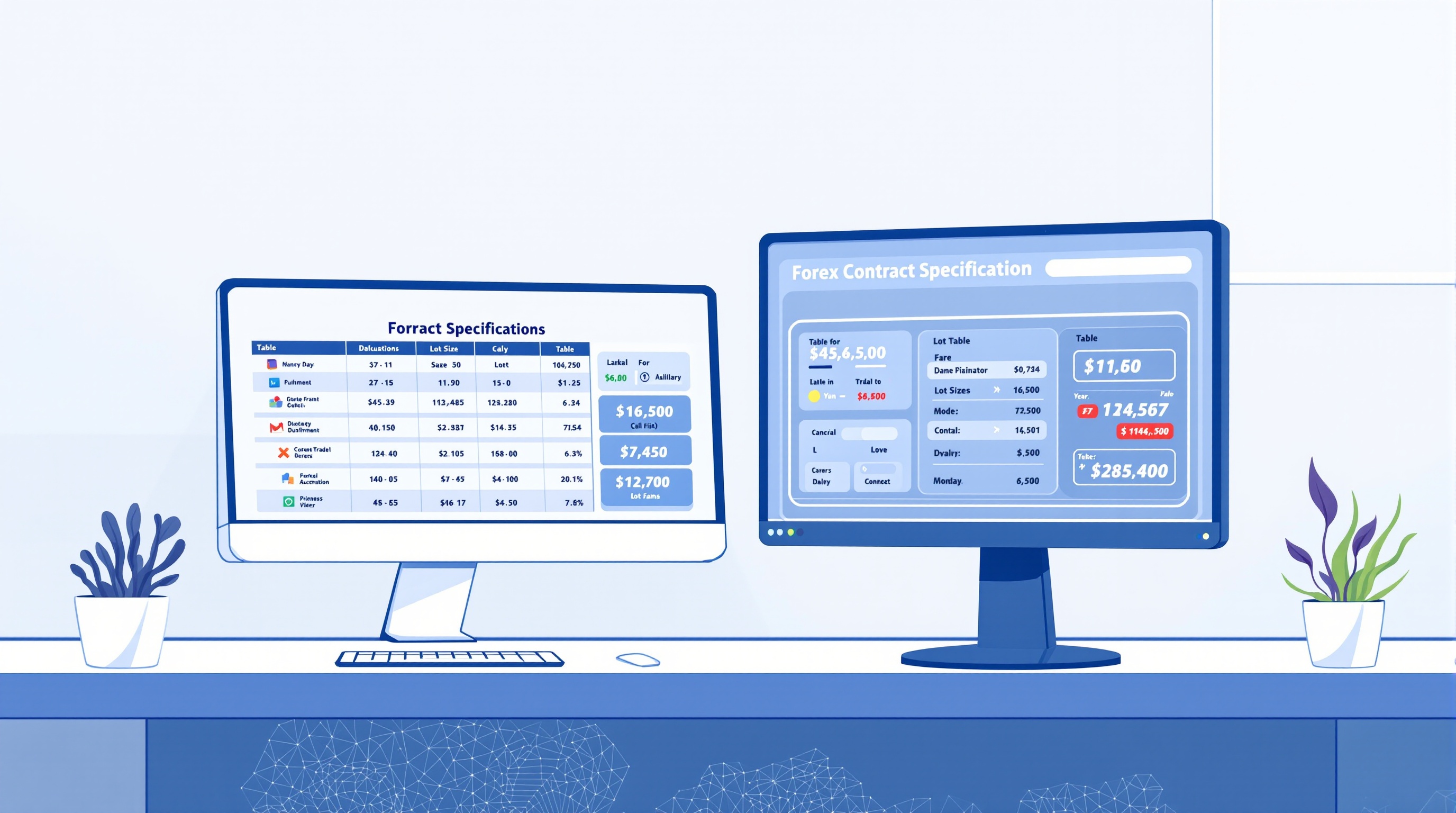
Understanding Pepperstone and IG contract specifications is the difference between sizing a trade properly and guessing. These specs — lot size, tick size, and tick value — determine exactly how much money moves in and out of your account for every price tick, and getting them wrong is one of the quietest ways traders blow up risk management without realising it.
Why Contract Specifications Matter for Every Trade
A contract specification is simply the broker's rulebook for an instrument: how big one lot is, what the smallest price increment is, and what that increment is worth in cash terms. Skip this step and your stop-loss in "pips" or "points" becomes a guess rather than a calculated risk.
This matters because:
- Position sizing depends on it. You can't calculate how many lots to trade for a 1% account risk without knowing the tick value.
- Stop-loss distance in price terms only means something once converted to money. A 20-pip stop on EUR/USD is a different cash risk to a 20-point stop on a stock index.
- Cross-instrument comparisons are meaningless without it. "50 points" on a gold CFD and "50 points" on a FTSE 100 CFD are not comparable unless you know each contract's tick value.
- Margin calculations reference contract size, not your risk tolerance — so misreading it can lead to over-leveraged positions even if your stop-loss looks conservative on the chart.
Both Pepperstone and IG publish full specification tables on their websites, and MetaTrader shows live specs per symbol. Neither broker's numbers are static forever — swap rates, minimum trade sizes and available instruments can change, so treat published specs as the reference of record, not a number you memorise once and reuse for years.
Lot Size: What "One Contract" Actually Means
In forex, a standard lot is conventionally 100,000 units of the base currency. A mini lot is 10,000 units, and a micro lot is 1,000 units. This convention holds broadly true across brokers, but it's the contract's notional size — not what you actually deposit, which depends on leverage and margin.
Where it gets more interesting is outside spot FX:
| Instrument type | Typical contract sizing | |---|---| | Major FX pairs | 100,000 units per standard lot | | Indices (e.g. FTSE, US500) | Often 1 contract = index value × a multiplier set by the broker | | Commodities (e.g. gold, oil) | Contract size set in ounces/barrels, varies by broker | | Crypto CFDs | Contract size often set per coin, subject to change |
Both Pepperstone and IG list these clearly on their instrument pages, and in MetaTrader you'll find the exact contract size under the Symbols window (right-click a symbol → Specification). Never assume an index or commodity CFD follows the 100,000-unit FX convention — it almost never does.
Tick Value: Turning Price Movement Into Money
Tick value tells you how much a single minimum price movement is worth, in your account's currency, for one lot. This is the number that actually connects your stop-loss to your risk in pounds or dollars.
The calculation broadly works like this:
1. Identify the tick/pip size for the instrument (e.g. 0.0001 for most FX pairs, 0.01 for JPY pairs). 2. Multiply by the contract size to get the value per lot in the quote currency. 3. Convert to your account's base currency if the quote currency differs.
For example, on a standard lot of EUR/USD, a one-pip move (0.0001) typically works out to a value denominated in USD — but if your account is in GBP, that value needs converting again. This is why generic "$10 per pip" rules of thumb only hold for specific pairs and account currencies, and break down quickly elsewhere.
Practical rule: never assume a pip value from one pair transfers to another. Check the live tick value per instrument in your platform before every sizing decision, especially on cross pairs and CFDs.
Reading Specs in Pepperstone's MetaTrader Environment
Pepperstone offers MetaTrader as one of its platform options (confirm exact platform and account availability on Pepperstone's own site, since offerings can change by region). Inside MetaTrader, contract specs are easy to find:
- Right-click any symbol in the Market Watch window and select Specification.
- This reveals contract size, tick size, tick value, minimum/maximum volume, and volume step.
- Swap rates (overnight financing) are also shown here, which affect holding costs but not the tick value itself.
Because MetaTrader is a shared platform used by many brokers, the display format is consistent — but the actual numbers (spread, swap, contract size for certain CFDs) are set by Pepperstone specifically. Always check Pepperstone's own contract specification pages alongside the in-platform view, since server-specific details can vary between account types.
Reading Specs on IG's Platform vs MetaTrader
IG offers its own proprietary platform in addition to MetaTrader in some account types (confirm current platform availability directly with IG). On IG's native platform, contract details are typically shown on the deal ticket or instrument details page rather than a dedicated "Specification" window like MetaTrader's.
Key differences to watch for:
- Deal size conventions may be presented differently — IG's platform sometimes quotes "per point" values for indices rather than lots, which is a different convention to MetaTrader's per-lot tick value.
- Currency conversion is handled automatically by the platform, but it's worth understanding how it works so you're not surprised by the cash value of a move.
- If you connect to IG via MetaTrader, the same Specification window process described above applies — right-click the symbol, view the details.
The core lesson: don't assume a "point" on IG's own platform means the same cash value as a "point" on a MetaTrader feed for the same instrument. Check both.
A Simple Workflow to Verify Specs Before You Trade
Use this checklist every time you trade a new instrument or switch brokers:
1. Look up the instrument's contract size on the broker's website or in-platform specification window. 2. Confirm the tick/pip size — is it 0.0001, 0.01, or something else for this instrument? 3. Calculate tick value in your account currency, not just the quote currency. 4. Cross-check against your position-sizing calculator or spreadsheet before entering the trade. 5. Re-verify periodically — specs, swaps and minimum sizes can change without much fanfare.
For a side-by-side comparison of costs and structures across brokers, run the numbers through PipTax's cost tool, and browse the brokers page for FCA-regulated options accessible to UK traders.
Conclusion: Make Contract Specifications Part of Your Routine
Reading Pepperstone and IG contract specifications properly isn't a one-off task — it's a habit that should sit alongside your position-sizing and risk management routine every time you open a new instrument. Get comfortable with lot size, tick size and tick value, verify them in-platform before you trade, and use PipTax's cost tool and brokers page to compare structures across FCA-regulated brokers before committing capital. Trading carries genuine risk of loss, and misreading a contract spec is an entirely avoidable way to add to it.
Key takeaways
- Contract specifications tell you the exact size of one lot, the tick/pip size, and the value of a one-pip move in the instrument's quote currency
- Pepperstone and IG publish specs on their own websites and inside MetaTrader/their native platforms — always check the live figure before sizing a trade
- Standard FX lots are usually 100,000 units of base currency, but indices, commodities and crypto CFDs have their own contract sizes that don't follow this rule
- Tick value changes with the pair traded and your account currency, so a EUR/USD pip is not the same cash value as a USD/JPY pip on a GBP account
- FCA rules cap retail leverage at 30:1 on major FX pairs, which affects margin but not the contract size or tick value itself
- Use PipTax's cost tool to see live specs and all-in costs before you commit real money to a position size
Frequently asked questions
- Are Pepperstone and IG contract specifications the same for every instrument?
- No. Lot size, minimum trade size and tick value vary by instrument and can differ slightly between the two brokers and between MetaTrader and native platforms. Always check the specific instrument's spec page before trading.
- What is the difference between a pip and a tick?
- A pip is the standard unit of price movement in most FX pairs (usually the fourth decimal place, or second for JPY pairs). A tick is the smallest price increment the broker's system allows, which can be smaller than a pip on some platforms and instruments.
- Does leverage change the contract size?
- No. Leverage affects how much margin you need to open a position, not the size of the contract or the value of a pip. FCA rules cap retail leverage at 30:1 on major FX pairs, but a standard lot is still a standard lot regardless of leverage used.
- Why does my pip value differ from a forum example I read?
- Pip value depends on the pair traded, the lot size, and your account's base currency. A GBP-denominated account will show different cash values than a USD account for the same trade, so generic examples rarely match exactly.
- Where can I check current contract specifications for Pepperstone and IG?
- Check each broker's own contract specification or instrument details pages, and inside your MetaTrader terminal via the Symbols window. PipTax's brokers page and cost tool can help you compare structure and costs alongside these specs.