Placing & Modifying Orders: IG vs MetaTrader
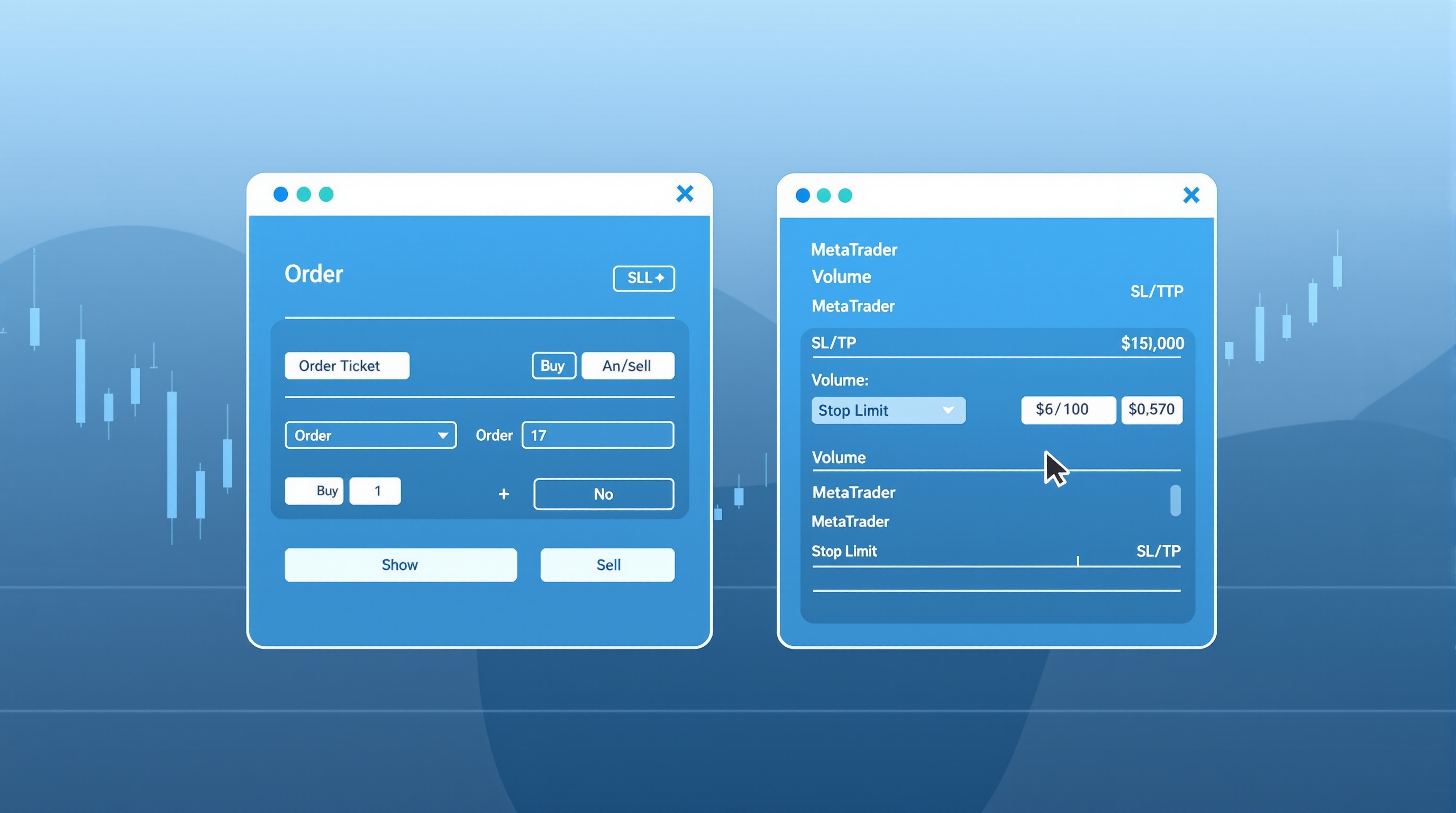
Placing and modifying orders on IG's platform vs MetaTrader is one of the first practical differences new traders hit once they've picked a broker — the underlying order types are similar, but the screens, terminology and workflows are not, and mixing them up under pressure can cost you real money. This guide walks through both, side by side, so you know exactly where to click before you're live with a position open.
Why the Platform Choice Matters Beyond Looks
It's tempting to treat platform choice as a cosmetic preference, but the order workflow genuinely affects execution speed, error rates and how confidently you manage risk.
- Muscle memory under pressure: in a fast market, fumbling for the right field on an unfamiliar ticket is how stop losses get placed wrong (or not at all).
- Order type availability: not every platform surfaces every order type in the same way — some pending order combinations are more explicit on MetaTrader, others are bundled into IG's own deal ticket.
- Automation: if you plan to run Expert Advisors (EAs), that's a MetaTrader-specific capability (MT4/MT5 via MQL), not something IG's native platform supports.
- Consistency across devices: web, desktop and mobile versions of the same platform don't always present order tickets identically — worth testing all three before relying on one.
None of this tells you which is "better" — that depends on your strategy, your need for automation, and your own comfort with each interface. What matters is deliberately learning one (or both) properly in a demo account first, rather than discovering the differences mid-trade.
Placing a Market Order: IG vs MetaTrader
Both platforms let you place a straightforward market order — buy or sell at the current price — but the ticket layout differs.
On IG's own platform: - You typically select the instrument, then open a deal ticket showing buy/sell prices, size, and optional stop/limit fields in one panel. - Stop and limit distances are often entered as a distance from the current price or as an absolute level, depending on the ticket view. - Confirmation usually shows estimated margin and the current spread before you commit.
On MetaTrader (MT4/MT5): - You open the order window (often via F9 or right-click on the chart), choose "Market Execution" (or similar), set volume in lots, and optionally attach SL/TP levels. - MetaTrader separates order *type* (market, limit, stop) via a dropdown, which is more explicit than some native platform tickets. - Confirmation happens via a single "Buy/Sell" button pair at the bottom of the ticket.
Practical tip: whichever platform you use, always check the stop-loss field is actually populated before you hit confirm — it's the single most common new-trader mistake on both.
Setting and Modifying Stop Loss and Take Profit
This is where habits really diverge between the two environments.
- IG's platform: stop loss and take profit are usually edited via the open positions panel — you click into the position, adjust the level or distance, and confirm. Some versions allow dragging directly on the chart too.
- MetaTrader: the classic workflow is dragging the SL/TP lines directly on the chart, then confirming the modification, or double-clicking the open position to bring up a modify dialog.
- Trailing stops: available on both, but configured differently — MetaTrader's trailing stop is typically set in points via the terminal, while IG's platform usually offers a distance-based setting in its position panel.
A quick comparison:
| Task | IG's Platform | MetaTrader | |---|---|---| | Open market order | Deal ticket, one panel | Order window, F9 shortcut | | Modify stop loss | Position panel edit | Drag on chart or modify dialog | | Pending orders | Ticket with order type toggle | Separate buy/sell limit & stop dropdown | | Automation | Not supported natively | EAs via MT4/MT5 (MQL) |
Working with Pending Orders (Limit and Stop Entries)
Pending orders — entering the market only if price reaches a certain level — are supported on both platforms but named and grouped slightly differently.
- MetaTrader explicitly separates: Buy Limit, Sell Limit, Buy Stop, Sell Stop, and on MT5 often Buy Stop Limit / Sell Stop Limit too. You pick the type from a dropdown before entering price and volume.
- IG's platform typically lets you set the order direction and type together in the ticket, with the platform inferring whether it's a limit or stop order based on the price you enter relative to the current market.
- Expiry settings differ too — MetaTrader lets you set a specific expiry date/time on pending orders; IG's platform usually offers similar options but check the exact wording in your account, as it can vary by product type (spread bet, CFD, or share dealing).
Because naming conventions aren't identical, it's worth placing a small pending order on a demo account on each platform once, just to see how your intended entry gets labelled and displayed in the order book.
Common Mistakes When Switching Between Platforms
Traders who use both IG's platform and MetaTrader — perhaps testing an EA on MT while managing discretionary trades on IG's own interface — tend to hit the same handful of errors.
- Wrong lot/size units: MetaTrader defaults to lots (1.0 = standard lot); IG's platform often lets you size in currency or contracts. Double-check before submitting.
- Assuming identical minimum stop distances: brokers set minimum distances for stops and limits, and these aren't guaranteed to match across platforms even at the same broker. Confirm current values with your broker.
- Forgetting EAs don't transfer: an Expert Advisor built for MT4/MT5 won't run on IG's native platform — if algorithmic execution is core to your plan, build it around MetaTrader from the start.
- Mixing up buy stop vs buy limit: a classic MetaTrader dropdown error — buy stop triggers *above* market, buy limit triggers *below*. Get this backwards and your pending order won't behave as intended.
Checking Costs Before You Commit to a Platform
Order workflow is only half the picture — the platform you choose can sit on top of different account types with different pricing structures at the same broker, or across brokers entirely.
- Spreads, commissions and overnight financing (swaps) can vary by account type, not just by platform.
- FCA rules cap retail leverage at 30:1 on major FX pairs, regardless of whether you trade via IG's platform or MetaTrader — this is a regulatory floor, not a broker choice.
- Never assume a MetaTrader account is cheaper (or pricier) than a broker's native platform account without checking directly.
Before opening a live account on either platform, run your typical trade size and instrument through PipTax's cost tool at /audit.html to see the real all-in cost, and compare regulated brokers on /brokers/index.html.
Conclusion: Practise the Workflow, Then Check the Cost
Placing and modifying orders on IG's platform vs MetaTrader ultimately comes down to two separate decisions: which interface you can operate quickly and accurately under pressure, and which account setup gives you the best genuine cost for your strategy. Spend time in a demo account on each, get the stop-loss and pending-order habits right, then use PipTax's cost tool and broker pages to confirm the numbers before you trade live — and remember that trading always carries risk of loss, whichever platform you choose.
Key takeaways
- IG's own platform and MetaTrader (MT4/MT5) handle order tickets differently — IG uses a deal ticket with integrated stop/limit distance fields, MetaTrader uses separate order type dropdowns and a chart-based drag-to-modify workflow
- Both platforms support market, limit and stop orders, plus attached stop loss and take profit, but the terminology and screens differ enough to cause mistakes if you switch platforms without practice
- Modifying an open position is usually faster by dragging lines on the MetaTrader chart, while IG's platform favours editing via the position/order panel
- FCA rules cap retail leverage at 30:1 on major FX pairs regardless of which platform you trade through
- Always confirm exact order types, minimum stop distances and platform availability (MT4 vs MT5) directly with the broker before relying on them
- Use PipTax's cost tool to compare all-in trading costs before deciding which platform and account setup suits your strategy
Frequently asked questions
- Can I use MetaTrader with IG?
- IG has historically offered MetaTrader 4 alongside its own web and mobile platform, though platform availability can change and varies by account type. Always confirm current MT4/MT5 support directly on IG's website or via PipTax's brokers page before opening an account for a specific platform.
- Is it harder to modify orders on MetaTrader than on IG's platform?
- Neither is objectively harder, but the workflow differs. MetaTrader lets you drag stop loss and take profit lines directly on the chart, which many traders find quicker. IG's platform typically uses an edit panel within the position or order ticket. Practise both in a demo account before trading live.
- Do order types like stop-limit work the same way on both platforms?
- The core concepts (market, limit, stop, stop-loss, take-profit) exist on both, but naming and available combinations can differ. MetaTrader's pending order dropdown separates buy limit, sell limit, buy stop and sell stop explicitly, while IG's ticket often lets you set direction and order type together. Check the exact options in your account before trading.
- Does the platform I choose affect my trading costs?
- The platform itself doesn't set spreads or commissions — the broker's pricing model and account type do. However, some brokers price MetaTrader accounts differently to their native platform accounts. Use PipTax's cost tool to compare the actual all-in cost for your instrument and account type.
- Can I run automated strategies (EAs) on IG's own platform?
- Automated Expert Advisors are a MetaTrader feature (MT4/MT5), built on MQL4/MQL5. IG's own web and mobile platform does not run MT-style EAs natively. If algorithmic trading matters to you, confirm MetaTrader access and EA support with the broker directly.