Pepperstone Swap and Rollover Charges: Where to Find Them in MT4/MT5
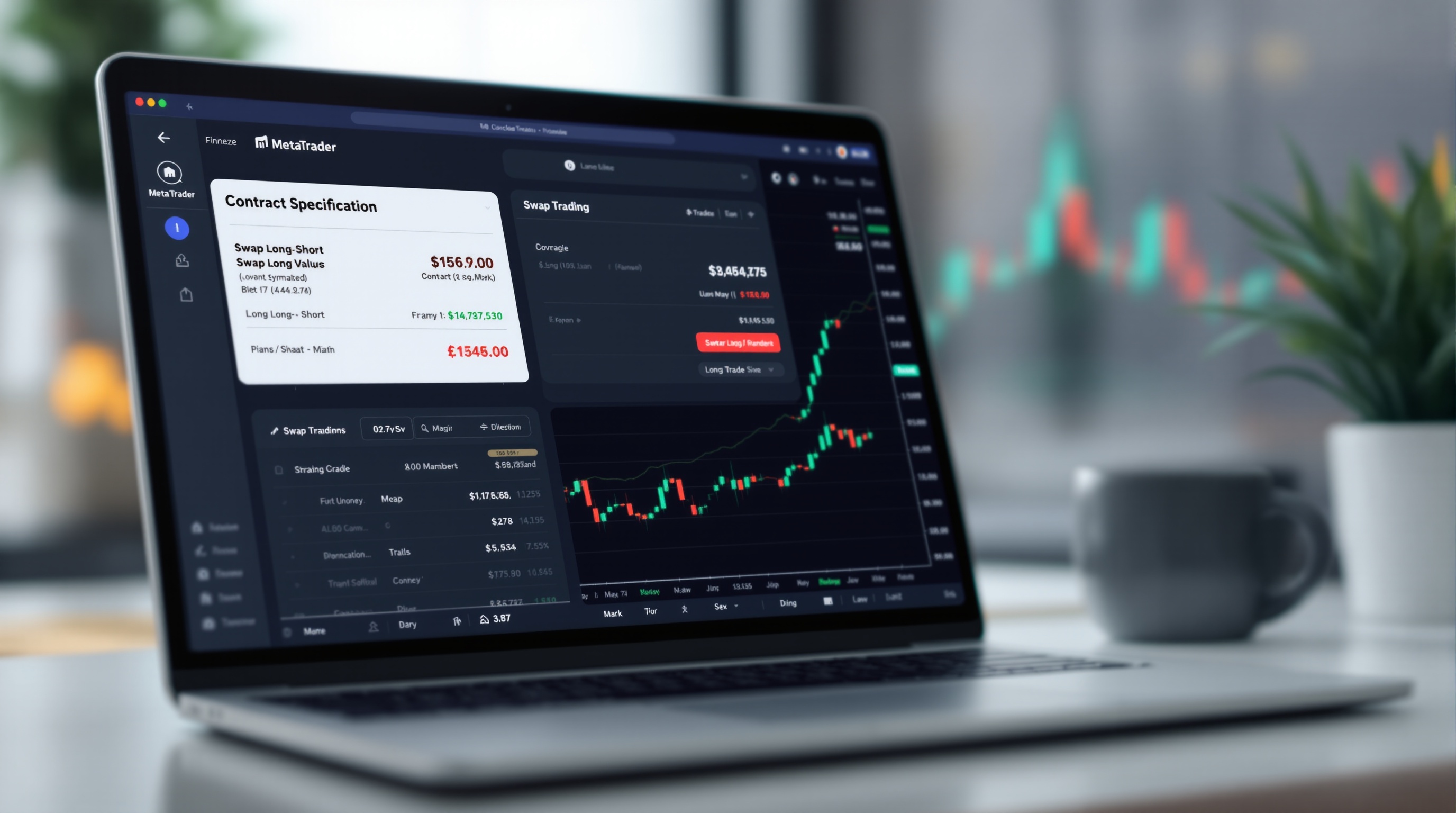
Pepperstone swap and rollover charges are one of those costs traders often overlook until they've held a position open for a few nights and wonder why the account balance moved without a new trade. This guide shows you exactly where to find those figures inside MetaTrader, how rollover timing works, and how to fold swap into your overall cost picture.
What Swap and Rollover Actually Mean
Swap (also called rollover) is the interest adjustment applied when you hold a leveraged forex or CFD position open overnight. It reflects the interest rate differential between the two currencies in a pair, plus the broker's own mark-up. Depending on the direction of your trade and the rate differential, swap can be a small charge or, less commonly, a small credit.
Key points to understand before you look anything up:
- Swap Long applies if you're holding a buy position overnight.
- Swap Short applies if you're holding a sell position overnight.
- Values are usually quoted in points or as an annual percentage, depending on the instrument and platform settings.
- Swap is charged once per day a position remains open past the broker's rollover cut-off - it is not a one-off fee.
None of this is unique to Pepperstone - it's how swap works across most FCA-regulated brokers offering MetaTrader. What matters is knowing where your specific broker publishes the numbers and checking them before you hold anything overnight.
Finding Swap Values Inside MetaTrader
Whether you're on MT4 or MT5, the process is nearly identical:
1. Open the Market Watch window (Ctrl+M if it's hidden). 2. Right-click the instrument you want to check, e.g. EURUSD or a major index CFD. 3. Select Specification (MT4) or Symbols → Specification (MT5). 4. Look for the fields labelled Swap Long, Swap Short, and Swap Rollover Three Days (this last one tells you which weekday carries triple swap).
This Contract Specification window is the single most reliable in-platform source for swap data because it pulls live values from the broker's server - not a static help page. If you're trading through Pepperstone's MetaTrader server, this is exactly where their current swap settings for that instrument will show up, alongside the leverage and lot size details for the symbol.
A quick tip: swap values shown here can differ from one instrument to another on the same platform, and even between account types on the same broker, so check the specific symbol and account you actually trade with.
Understanding Rollover Timing and Triple Swap Days
Rollover happens at a set time each trading day, commonly around 21:00-22:00 UK time, though this shifts slightly with daylight saving changes and depends on the broker's server timezone settings. If your position is still open at that moment, swap is applied.
Because spot forex settles two business days after the trade date, brokers need to account for weekends when markets are closed. The standard solution is to charge three days of swap on one specific day - commonly Wednesday - rather than trying to charge swap on Saturday or Sunday.
To confirm this for your own account:
- Check the Swap Rollover Three Days field in the Contract Specification window.
- Note that this can vary by instrument, not just by broker.
- Re-check periodically, since brokers can adjust rollover conventions.
Don't assume Wednesday applies universally - verify it directly in your MetaTrader terminal rather than relying on general market commentary.
Why Pepperstone's Swap Figures Can Differ From What You Remember
Swap rates aren't fixed. They move with central bank rate differentials and broker pricing adjustments, so a value you noted last month may no longer be accurate. This is true across the industry, not specific to any one broker.
Sensible habits:
- Check swap on the day you open a position you intend to hold overnight, not from memory.
- If you're comparing Pepperstone against another broker such as IG, check both platforms' Contract Specification windows on the same day for a fair comparison - IG's own platform and its MetaTrader offering may show costs differently, so confirm which platform you're actually trading on.
- Keep in mind that swap-free or Islamic account options, where available, may replace swap with a different fee structure - confirm eligibility and terms directly with the broker.
Because live figures change, PipTax deliberately doesn't publish specific swap numbers in this article. Instead, use the cost tool to pull current, comparable data across brokers.
Building Swap Into Your Real Trading Costs
Swap is only one piece of your true cost of trading. For a full picture, you need to combine:
| Cost component | Where to check it | |---|---| | Spread | Broker's live pricing / MT4-MT5 quote window | | Commission (if any) | Account type documentation | | Swap/rollover | Contract Specification window in MetaTrader | | Slippage on execution | Trade history / execution reports |
If you're a scalper or intraday trader who closes everything before rollover, swap may barely factor into your results. If you're a swing trader holding positions for days or weeks, accumulated swap can become one of your largest cost lines - either helping or hurting depending on trade direction and the rate differential.
This is exactly the kind of all-in comparison PipTax's [cost tool](/audit.html) is built for: it lets you see spread, commission, and swap side by side so you're not guessing at your real holding cost.
Checking Pepperstone Swap and Rollover Charges Before You Trade
Before opening any position you plan to hold overnight, get into the habit of a two-minute check:
1. Open the Contract Specification for the instrument in MetaTrader. 2. Note the Swap Long/Short values and the triple-swap day. 3. Multiply by the number of nights you expect to hold, to estimate the total swap cost. 4. Cross-check against PipTax's [cost tool](/audit.html) and [brokers page](/brokers/index.html) for a broader comparison.
Pepperstone swap and rollover charges are straightforward to find once you know where to look - the Contract Specification window in MT4 or MT5 is the authoritative, live source. Never rely on old screenshots or forum posts for current figures; verify them yourself before every overnight hold, and use PipTax's tools to see how swap fits into your total trading cost.
Key takeaways
- Pepperstone swap and rollover charges are visible per-instrument inside MetaTrader's Contract Specification window, not in the main trading ticket.
- Swaps are charged when you hold a position open past the broker's daily rollover time, usually around 21:00-22:00 UK time depending on server settings and DST.
- Most brokers apply triple swap on one day (commonly Wednesday) to account for weekend settlement, but you must confirm the exact day on your own account.
- Swap values can change daily with interest rate differentials, so always check current figures rather than relying on memory or old screenshots.
- Swap-free (Islamic) accounts and swap levels differ by broker and instrument - confirm eligibility and terms directly with Pepperstone.
- Use PipTax's cost tool to see how swaps combine with spreads and commissions for your real, all-in holding cost.
Frequently asked questions
- Where exactly do I find swap rates in MetaTrader for a Pepperstone account?
- Open MT4 or MT5, go to the Market Watch window, right-click the instrument (e.g. EURUSD) and select Symbols, or right-click directly and choose Specification. This opens the Contract Specification box, which lists Swap Long and Swap Short values along with the swap calculation method (points, percentage, or currency) and the triple swap day.
- Does Pepperstone charge swaps the same way on MT4 and MT5?
- The mechanics are the same - both platforms display swap data in the Contract Specification window - but Pepperstone's exact swap values, rollover time, and triple-swap day can vary by account type and instrument. Confirm current settings on your live account rather than assuming MT4 and MT5 match exactly.
- What is triple swap and why does it happen on a specific day?
- Spot forex trades settle two business days after the trade date. To account for weekends, brokers charge three days of swap on one day of the week - commonly Wednesday - rather than charging swap on Saturday and Sunday when markets are closed. Check your Pepperstone terminal to confirm which day applies to your account.
- Can swap rates change without notice?
- Yes. Swaps are tied to interbank interest rate differentials between the two currencies in a pair, plus a broker mark-up, so they can shift daily. Always check the Contract Specification window on the day you're trading rather than relying on a screenshot from last week.
- Does Pepperstone offer a swap-free account?
- Some brokers offer swap-free (often called Islamic) accounts for eligible clients, but availability, eligibility criteria, and whether alternative fees apply differ by broker. Confirm directly with Pepperstone whether this option exists for your account type.
- How do swap charges affect my overall trading costs?
- For short-term day trades closed before rollover, swaps don't apply. For swing or position trades held for days or weeks, accumulated swap can meaningfully add to or subtract from your cost base. Use PipTax's cost tool to combine spread, commission, and swap into one realistic total.