MetaTrader 4 on a VPS: A UK Trader's Setup Guide
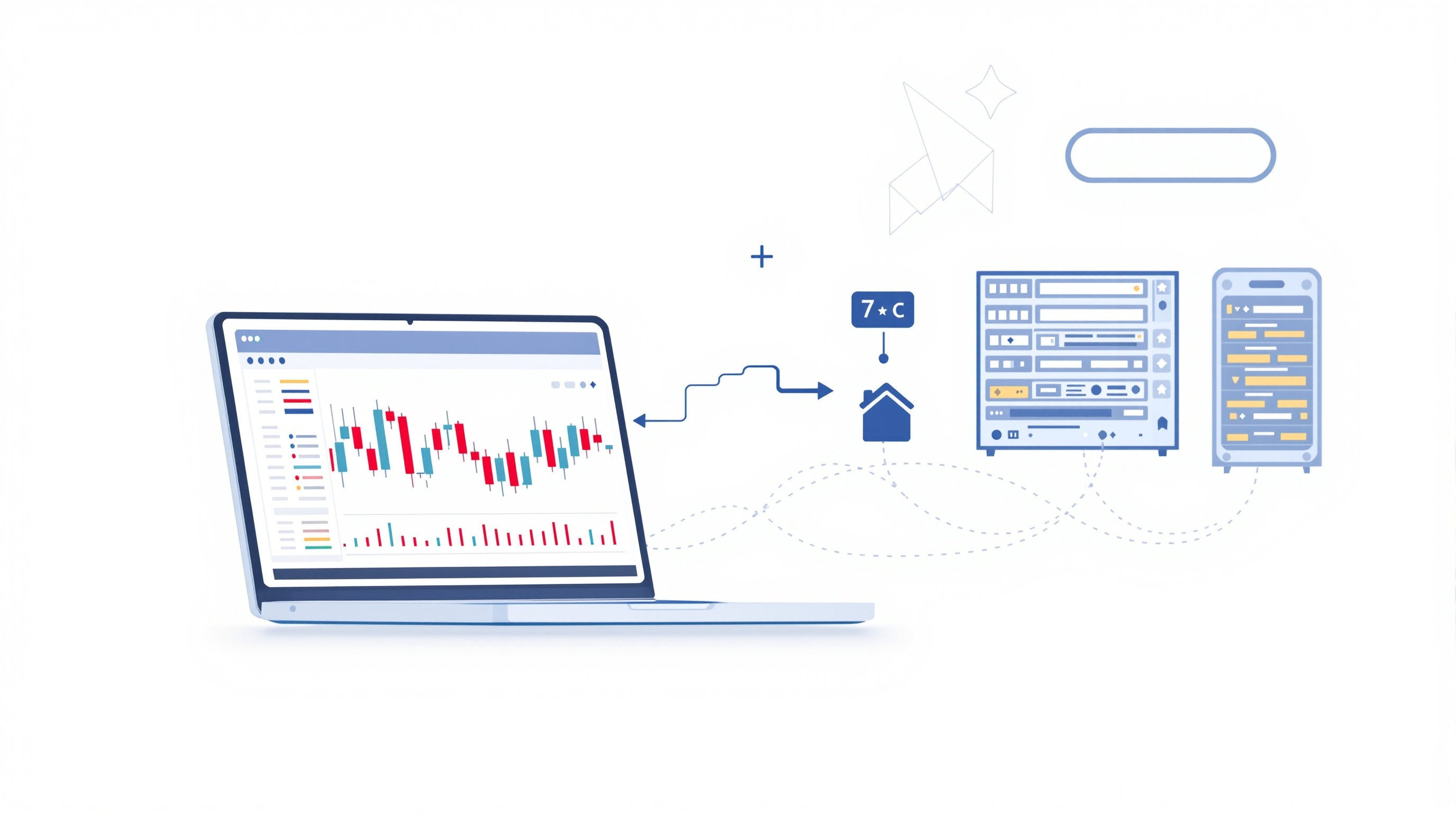
Running MetaTrader 4 on a VPS is one of the simplest ways for UK traders to keep an expert advisor or copy-trading setup running around the clock without leaving a home PC switched on. This guide covers exactly how to set it up, what it costs to run, and how to check it's actually worth doing with brokers like Pepperstone and IG.
A VPS (Virtual Private Server) is a small remote computer that runs 24/5 in a data centre, hosting your MT4 terminal so trades execute even when your laptop is off, asleep, or your home broadband drops. For anyone running automated strategies, or trading news events where a dropped connection could mean a missed stop-loss, it's a practical and low-cost piece of infrastructure — not a magic performance upgrade.
Why UK traders use a VPS for MetaTrader 4
A VPS solves connectivity and reliability problems, not strategy problems. Common reasons UK traders adopt one:
- Uptime for EAs – expert advisors need the terminal open continuously; a VPS doesn't sleep, reboot for Windows updates at random, or lose Wi-Fi.
- Lower latency to the broker's server – hosting near your broker's trade server can shave milliseconds off execution, which matters more for scalping and high-frequency EAs than for swing trading.
- Protection against local outages – power cuts, ISP faults, or a laptop shutting its lid won't interrupt open positions or pending orders.
- Multi-device flexibility – you can log into the VPS from a phone or another PC to check on things without needing your own machine on.
It's worth being honest here: a VPS won't fix a losing strategy, and it won't out-run genuinely poor execution from a broker. If you're chasing an edge, your entry/exit logic and your all-in trading costs matter far more than shaving a few milliseconds — check real costs on the [cost tool](/audit.html) before assuming a VPS is the missing piece.
Choosing a VPS: location, specs and provider type
Three things matter when picking a VPS for MT4:
1. Location – ideally a data centre close to your broker's trade servers (often London, New York, or Equinix hubs). Many specialist forex VPS providers list which brokers they're "optimised" for; check where Pepperstone's and IG's servers sit and try to match region. 2. Specs – MT4 is lightweight. A basic VPS (1 CPU core, 1–2GB RAM, low-latency network) is usually enough for a handful of EAs. Running many charts, indicators, or multiple terminals may need more RAM. 3. Provider type: - Generic cloud VPS (e.g. mainstream cloud providers) – cheap, flexible, but you configure everything yourself. - Forex-specific VPS providers – pre-configured for MT4, sometimes bundled free by brokers above a certain trade volume or account size. - Broker-provided VPS – some brokers offer a VPS to active clients; ask Pepperstone or IG directly whether this applies to your account type, since eligibility and terms change.
Always confirm current VPS offers, eligibility and any conditions directly with the broker — don't assume a deal advertised online still applies.
Step-by-step: installing MT4 on a Windows VPS
The core steps are the same regardless of provider:
1. Buy/activate the VPS and note the IP address, username and password sent by the provider. 2. Connect via Remote Desktop (built into Windows; Mac users need a free RDP client) using those credentials. 3. Download MT4 from your broker's website (Pepperstone and IG both provide direct MT4 downloads) — always get the installer from the broker's own site, not a third-party mirror. 4. Install and log in with your live or demo account number, password and the correct server name (found in your account welcome email or the broker's client portal). 5. Attach your EA or indicators, enable AutoTrading, and check the "Allow automated trading" and "Allow DLL imports" boxes if your EA needs them. 6. Test on a demo account first for at least a few days to confirm the EA behaves identically on the VPS as it did locally — server time zones and execution can differ subtly. 7. Set up alerts (email or push notifications from MT4) so you're told if the terminal disconnects or an EA stops trading.
Keep a written note of your server name, login and VPS credentials somewhere secure — losing access mid-week with open trades is a common and avoidable panic.
Costs, risks and reliability to plan for
A VPS is another ongoing cost layered on top of spreads, commissions and swaps, so weigh it against your account size and strategy type.
| Factor | What to check | |---|---| | Monthly VPS fee | Fixed cost regardless of trading volume — factor it into your total cost of trading | | Broker VPS rebate | Some brokers refund or waive VPS fees above a volume/equity threshold — confirm current terms with the broker | | Downtime history | Ask the provider about historical uptime; a VPS is only useful if it's more reliable than your home setup | | Support | 24/5 support matters if MT4 crashes at 3am and your EA is exposed |
Risks worth knowing:
- A VPS adds a fixed cost that a small account may struggle to justify — run the numbers through PipTax's [cost impact tool](/cost-impact.html) to see how a monthly VPS fee compares to your typical spread/commission spend.
- Automated strategies can still fail on a VPS exactly as they can locally — a VPS hosts the software, it doesn't audit the logic.
- Remote Desktop access means you must use a strong, unique password and enable two-factor authentication where the provider offers it.
Choosing between broker platforms: MT4, MT5 or the broker's own platform
Not every broker offers MT4 forever, and some now emphasise MT5 or their own proprietary platform instead. Before committing to a VPS setup:
- Confirm platform availability directly on the broker's site — for example, check whether Pepperstone or IG currently support MT4, MT5, or both for your account type, since offerings can change.
- Check EA compatibility — an EA written for MT4 typically needs rewriting (not just re-uploading) to run on MT5.
- Compare execution model and costs, not just platform features — IG's own platform versus MetaTrader, for instance, may have different order types and execution behaviour even on the same underlying account.
- Use PipTax's [brokers directory](/brokers/index.html) to compare which UK-regulated brokers currently support MetaTrader, and the [cost tool](/audit.html) to see live, comparable spread and commission data rather than relying on marketing claims.
Remember that FCA rules cap retail leverage at 30:1 on major FX pairs regardless of platform, so a VPS or platform switch doesn't change your regulatory leverage limits.
Keeping your VPS secure and maintained
Treat your VPS like any other piece of trading infrastructure that needs upkeep:
- Update Windows and MT4 regularly — schedule updates for a low-activity period (e.g. weekend) to avoid disrupting live trades.
- Use strong, unique credentials and change the default RDP port if your provider allows it, to cut down on automated attack attempts.
- Back up your EA settings and set files somewhere outside the VPS in case you need to rebuild quickly.
- Monitor logs — MT4's Experts and Journal tabs will show connection drops or EA errors; check them weekly even if everything seems fine.
- Review the bill — VPS pricing sometimes rises after an introductory period; confirm you're still getting value versus the cost tool's comparison of your all-in trading costs.
Conclusion: is a VPS worth it for your setup?
Running MetaTrader 4 on a VPS makes sense for UK traders who rely on expert advisors, trade around news, or simply want their terminal online without babysitting a home PC — but it's an infrastructure decision, not a trading edge. Before paying for one, confirm your broker (Pepperstone, IG or another FCA-regulated firm) still supports MT4 for your account, check whether any VPS rebate applies, and run your real spreads and commissions through PipTax's [cost tool](/audit.html) so the VPS fee is judged against your actual trading costs rather than in isolation. Trading carries risk of loss regardless of where your terminal is hosted, so treat a VPS as a reliability upgrade — not a substitute for a tested strategy and honest cost comparison.
Key takeaways
- A VPS keeps MT4 and expert advisors running 24/5 without relying on a home PC or broadband connection
- Choose a VPS location close to your broker's trade servers to help reduce latency, especially for scalping or news-based EAs
- Always download MT4 directly from your broker's site and test on demo before going live on a VPS
- A VPS is a fixed ongoing cost — check it against your real spreads and commissions using PipTax's cost tool before committing
- Confirm current MT4/MT5 platform availability and any VPS rebates directly with brokers like Pepperstone and IG, as offerings change
- FCA rules cap retail leverage at 30:1 on major FX pairs regardless of platform or hosting setup
Frequently asked questions
- Do I need a VPS to run MetaTrader 4?
- No — a VPS is optional. It's most useful if you run expert advisors continuously, trade news events, or have an unreliable home internet connection. Manual traders who only trade during set hours often don't need one.
- Will a VPS improve my trading results?
- A VPS improves reliability and can reduce latency slightly, but it doesn't fix a weak strategy or high trading costs. Check your all-in costs with the cost tool before assuming infrastructure is your main issue.
- Do Pepperstone and IG offer a free VPS?
- Some brokers offer VPS access or rebates to active clients, but eligibility and terms vary and change over time. Confirm current offers directly on Pepperstone's or IG's site rather than relying on older information.
- Can I run MT5 on the same VPS setup?
- Yes, the same VPS hosting approach works for MT5, but MT4 expert advisors generally need to be rewritten for MT5 — they aren't automatically compatible. Confirm which platform your broker currently supports.
- Is a forex-specific VPS better than a generic cloud VPS?
- Forex-specific providers are often pre-configured for MT4 and located near broker servers, which can simplify setup. Generic cloud VPS providers are usually cheaper but require more manual configuration.
- How much does a VPS typically cost?
- Pricing varies by provider and specification. Rather than quoting a fixed figure, compare a few providers' current rates and weigh the monthly fee against your trading volume using PipTax's cost impact tool.