How to Connect MetaTrader 4 to Eightcap UK
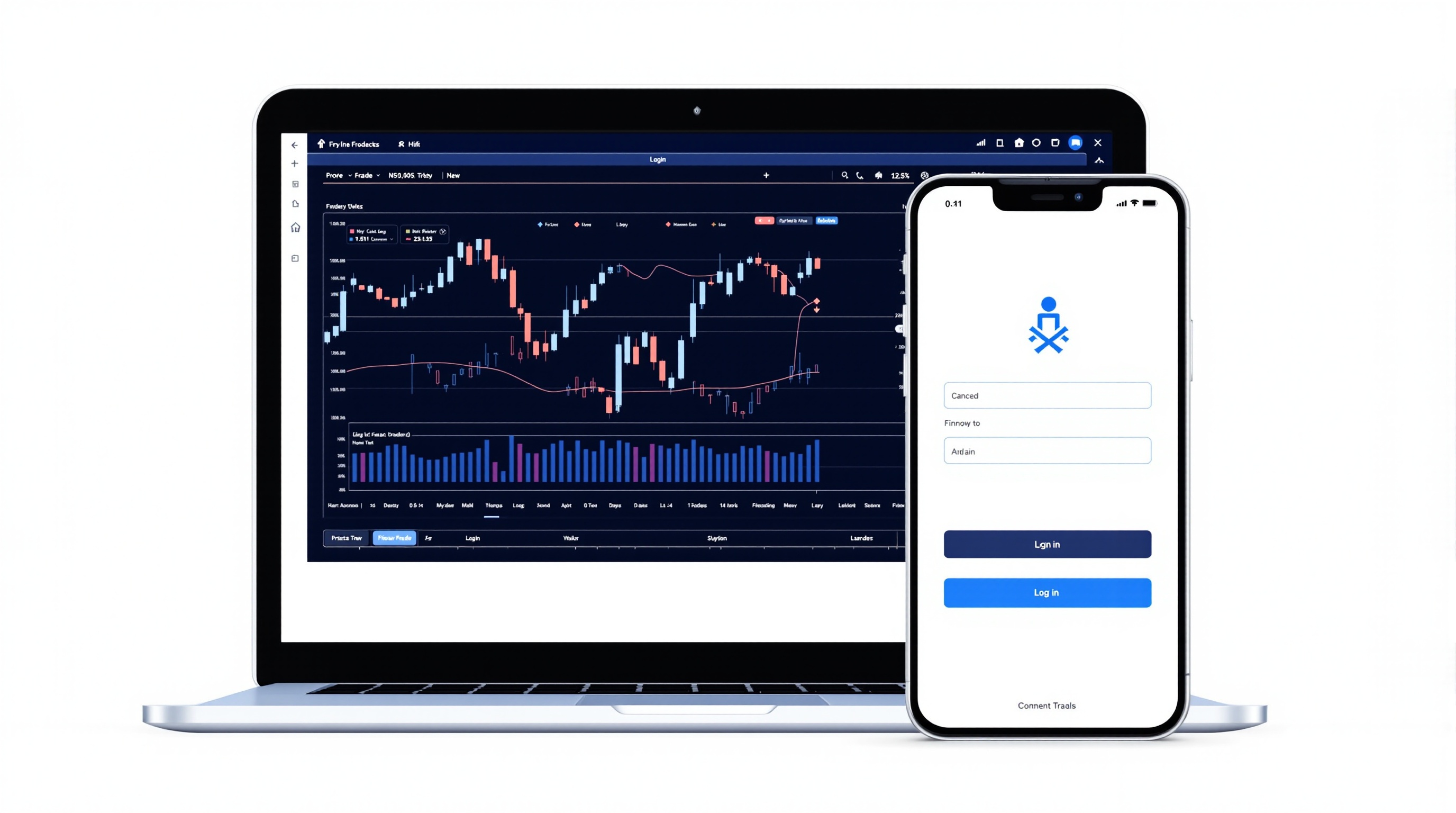
Connecting MetaTrader 4 to Eightcap UK takes about ten minutes once you have your login details, and getting the setup right from day one saves you a lot of hassle with failed logins, wrong servers, and confused order execution later on. This guide walks through the whole process step by step, plus what to check before you start trading live.
Before You Start: What You Need From Eightcap
Eightcap is a broker offering MetaTrader platforms to retail clients, and UK-based traders should always confirm which entity they're signing up with and what regulatory protection applies — details change, so check this directly on Eightcap's own site before funding an account. Don't assume; verify.
Before downloading anything, make sure you have:
- Your MT4 login credentials — account number, password, and investor password (sent by email after account approval)
- The correct server name — this is specific to Eightcap and usually looks something like
Eightcap-LiveorEightcap-Demo; it's in the same welcome email - A funded or demo account — demo is the sensible way to test your connection and platform settings first
- Confirmation of platform availability — some brokers run MT4 only, others MT4 and MT5 side by side; confirm which Eightcap offers for your account type on their website before you commit
It's also worth checking Eightcap's regulatory status and what it means for your funds — segregated client money rules, compensation schemes, and complaints processes all differ depending on which regulator is involved. This isn't a box-ticking exercise; it affects what happens if something goes wrong.
Downloading and Installing MT4
Once you have your credentials, the installation itself is straightforward:
1. Download MT4 — either from Eightcap's client portal (which usually gives you a broker-branded installer with the server pre-configured) or from the MetaQuotes/MetaTrader website directly 2. Run the installer and let it complete — no unusual settings needed for a standard Windows or Mac install 3. Open the platform — on first launch it may prompt you to open a demo account; skip this if you already have live or demo credentials from Eightcap 4. Go to File > Login to Trade Account — this is where you'll enter your actual details
If you're on mobile, download the official MetaTrader 4 app (Android or iOS) from your app store — search for "MetaTrader 4," not "Eightcap," since the app is generic to the platform, not broker-specific.
Avoid downloading MT4 installers from random third-party sites. Stick to Eightcap's own portal or the official MetaQuotes source to avoid tampered software.
Logging In: Server Selection and Credentials
This is the step most people get stuck on. When you open the login window in MT4:
- Enter your account number exactly as given
- Enter your password (not the investor password — that's read-only)
- In the Server field, don't just search "Eightcap" and pick the first result — type or select the exact server name from your welcome email, since brokers often run multiple servers (live, demo, different regions)
If the server doesn't appear in the dropdown list, click "Scan" or manually type the full server address. A wrong server is the single most common reason logins fail — the platform will simply sit at "connecting…" and never move.
Once connected, check the bottom-right corner of the platform for a signal icon and "Connected" status. If it says "No connection," re-check the server name before assuming your credentials are wrong.
Configuring MT4 for Live Trading
Once logged in, a few settings are worth checking before you place any trades:
| Setting | Why it matters | |---|---| | Chart timeframes & templates | Set up your preferred layout once, save as default template | | One-click trading | Off by default in most builds — enable deliberately if you want it | | Expert Advisors permissions | Tools > Options > Expert Advisors — allow automated trading and DLL imports if you plan to run EAs | | Notifications | Enable push notifications if using the mobile app alongside desktop |
Also check your execution type and typical fill behaviour on Eightcap's demo account before going live — this tells you far more about real-world trading conditions than marketing pages do. Order execution model (market vs instant), slippage on news events, and how stops behave all vary by broker and account type.
Checking Costs Before You Trade Live
Getting connected is the easy part — understanding what you'll actually pay is what determines whether the setup is worth using long-term. Spreads, commissions, and swap rates are account-specific and change over time, so don't rely on generic claims from forums or old reviews.
Instead:
- Use PipTax's cost tool at [/audit.html](/audit.html) to compare live, current all-in trading costs across account types
- Cross-check Eightcap's listing on [/brokers/index.html](/brokers/index.html) for regulatory status and platform details
- Look at [/rates.html](/rates.html) for a broader view of how swap and rate structures typically work across brokers
Never assume a spread or commission figure quoted in an old blog post still applies — brokers revise pricing, and what matters is what you're actually charged on your specific account type today.
Troubleshooting Common Connection Issues
Most MT4-to-broker connection problems come down to a small handful of causes:
- Wrong server selected — by far the most common issue; re-check the exact server name
- Firewall or antivirus blocking MT4 — temporarily disable to test, then whitelist the platform
- Outdated terminal build — update via Help > Check for Updates
- Account not yet approved — new accounts sometimes need a short verification window before the server accepts logins
- Typo in account number or password — copy-paste directly from the welcome email rather than typing manually
If none of these resolve it, contact Eightcap support directly — connection issues tied to server-side account provisioning aren't something you can fix from your end.
Connecting MetaTrader 4 to Eightcap UK: Final Checks
Before you commit real capital, run through this quick checklist. Confirm your account is verified and funded, the correct server is selected and saved, Expert Advisor permissions match how you intend to trade, and you've compared live costs on PipTax's cost tool rather than relying on memory or old figures. Getting MetaTrader 4 connected to Eightcap UK properly is a one-time task — spend the extra ten minutes getting the server, permissions, and cost comparison right, and the platform will simply work in the background while you focus on trading decisions. Remember that trading carries real risk of loss regardless of how well your platform is configured, so always trade within limits you can afford.
Key takeaways
- <parameter name="key_takeaways">["Download MT4 from Eightcap's own portal or the official MetaQuotes site — avoid third-party installers"
- "Selecting the exact server name is the most common point of failure when logging in"
- "Confirm whether Eightcap offers MT4
- MT5
- or both for your specific account type before signing up"
- "Check Expert Advisor permissions in Tools > Options if you plan to run automated strategies"
- "Always verify live spreads
- commissions
- and swaps using PipTax's cost tool rather than relying on old figures"
- "Trading carries real risk of loss — a correctly configured platform doesn't remove that risk"]