Best UK Brokers for Expert Advisors & Automated Trading
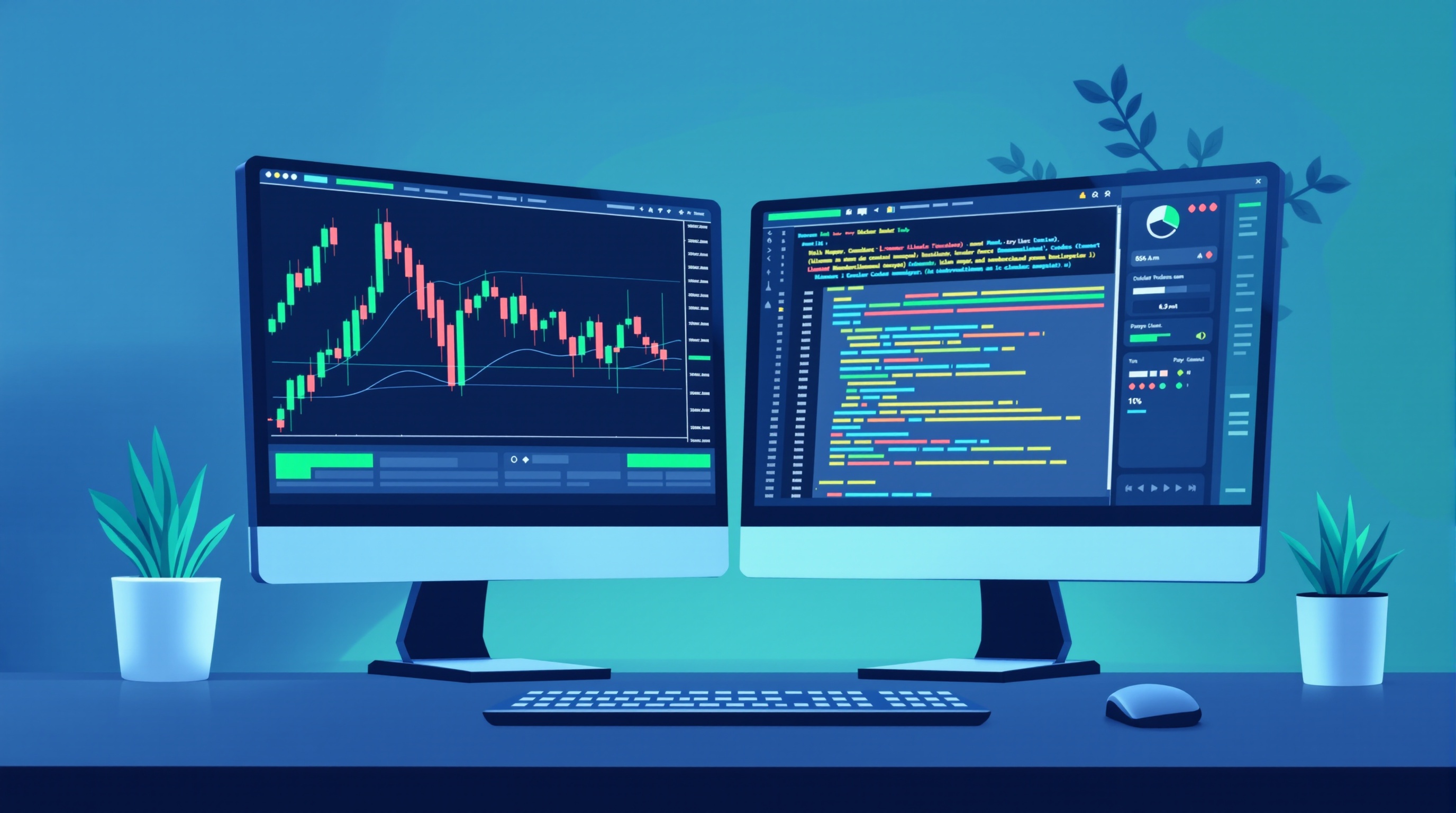
Finding the best UK brokers for Expert Advisors isn't about chasing a single "top pick" — it's about understanding which criteria actually matter for automated trading, then verifying them yourself with current data. This guide walks through the real checklist: execution model, all-in cost, FCA regulation, platform support, and funding reliability, using FCA-regulated names like Pepperstone and IG as UK-accessible reference points.
Why "Best Broker" Rankings Can Mislead EA Traders
Generic "best broker" lists often rank on marketing spend or affiliate deals, not on what an EA actually needs. An Expert Advisor doesn't care about app design or bonus offers — it cares about:
- Execution speed and consistency — slippage on entries/exits directly affects backtested edge
- Spread and commission structure — many EAs, especially scalpers, are cost-sensitive
- Reliable order handling during news — requotes or rejections can break automated logic
- Server stability — MetaTrader EAs need a broker's trade servers to stay responsive 24/5
A broker can be perfectly fine for manual discretionary trading and still be a poor fit for a high-frequency EA if its execution model or costs don't match the strategy. That's why this article focuses on the criteria and verification steps, not a fixed ranking.
The Core Criteria That Actually Matter
Before opening any live account for automated trading, check these five things:
1. FCA regulation — confirms segregated client funds and access to UK dispute resolution 2. Execution model — market maker, ECN, or STP; each has different implications for EA performance 3. All-in cost — spread plus commission plus any swap, not just the headline spread 4. Platform and EA support — explicit confirmation of MT4/MT5 availability and any restrictions on automated trading 5. VPS availability — either broker-provided or third-party, for uninterrupted EA operation
Brokers like Pepperstone and IG are both FCA-regulated and widely used by UK traders running MetaTrader-based EAs, making them common reference points. But "common reference point" isn't the same as "cheapest" or "best for your strategy" — you still need to check current spreads, commissions and execution details directly on their sites and against your own EA's requirements.
FCA Regulation and Leverage Rules for Automated Trading
Any broker you shortlist should be FCA-regulated if you're trading as a UK retail client. This gives you:
- Segregated client money rules
- Access to the Financial Ombudsman Service if disputes arise
- Adherence to FCA leverage limits
Critically, FCA rules cap retail leverage at 30:1 on major FX pairs (with lower caps on minor pairs, indices, and other instruments). This matters enormously for EA traders because:
- Backtests run on offshore demo accounts with higher leverage won't reflect your live FCA account
- Position-sizing modules in your EA need to be configured for the correct leverage cap
- Margin calls can behave differently than your backtest assumed
Before going live, check the exact leverage tiers on your chosen broker's site and make sure your EA's risk management logic is built around the real, regulated numbers — not assumptions carried over from a backtest environment.
Platform and EA Compatibility Checklist
Not every broker supports every MetaTrader version, and not every EA is compatible with every platform. Work through this checklist:
| Check | Why it matters | |---|---| | MT4 or MT5 available? | EAs are version-specific (MQL4 vs MQL5) | | Automated trading permitted? | Some account types restrict EA use | | API/FIX access offered? | Relevant for advanced or institutional-style automation | | Hedging allowed? | Some EAs rely on hedged positions, not all brokers/account types permit this | | One-click demo access? | Lets you test the EA risk-free before funding |
Confirm platform details directly on the broker's own site — don't assume. If you're unsure whether a broker offers MT5 versus only MT4, that's exactly the kind of detail to verify before you connect a live account, since running an EA on the wrong platform version simply won't work.
Setting Up an EA: A Practical Workflow
Once you've chosen a broker that ticks the criteria above, here's the general connection workflow (steps may vary slightly by broker):
1. Open a demo account first and download the correct MetaTrader version from the broker 2. Attach the EA to the relevant chart and enable "Algo Trading" in the platform toolbar 3. Check EA inputs — lot size, risk per trade, stop-loss/take-profit logic — against the broker's actual contract specifications 4. Run on demo for a meaningful period to confirm execution behaviour matches your backtest expectations 5. Set up a VPS (broker-provided or third-party) if you want the EA running independent of your home PC 6. Move to a small live position size only after demo results look consistent with your strategy's expected behaviour
At each stage, re-check costs. Spreads and commissions can differ between demo and live environments, and between account types on the same broker.
Verifying Costs Before You Commit Real Money
This is the step most automated traders skip — and it's the one that determines whether your strategy is actually profitable after real-world costs. Backtests rarely include realistic spread and commission assumptions.
- Use PipTax's cost tool (/audit.html) to estimate all-in costs for your typical EA trade size and instrument
- Cross-check the account types and platforms listed on PipTax's brokers page (/brokers/index.html)
- Read through PipTax's methodology (/methodology.html) to understand exactly how costs are calculated, so you can compare like-for-like
- Revisit PipTax's rates page for context on how spreads move with market conditions
Don't rely on a single "best broker" claim from any article — verify the numbers for your own strategy, trade size, and instrument mix.
Conclusion: Choosing the Best UK Brokers for Expert Advisors
There's no universal answer to which are the best UK brokers for Expert Advisors — it depends on your EA's trading style, cost sensitivity, and platform requirements. What you can control is the verification process: confirm FCA regulation, check the execution model, test the platform's EA compatibility, and — most importantly — run your real numbers through PipTax's cost tool before funding a live account. Automated trading doesn't remove risk; it just automates your decisions, so the groundwork on broker selection still has to be done manually, and carefully.
Key takeaways
- The best UK brokers for Expert Advisors are judged on execution model, all-in cost, FCA regulation, VPS/EA support and funding reliability — not marketing claims.
- FCA-regulated brokers like Pepperstone and IG are commonly used UK-accessible examples for automated trading, but you must confirm live spreads, commissions and platform (MT4/MT5) on their own sites.
- FCA rules cap retail leverage at 30:1 on major FX pairs, which directly affects position sizing in any EA.
- Always test an EA on a demo account and check the broker's stated rules on automated trading, VPS use and slippage before going live.
- Use PipTax's cost tool and broker pages to compare real, current spreads and commissions rather than relying on generic 'best broker' rankings.
Frequently asked questions
- Do I need MT4 or MT5 for Expert Advisors?
- Most EAs are built for MetaTrader 4 or 5, and many brokers support one or both. Some EAs are version-specific because MQL4 and MQL5 code differ. Always confirm which platform version your broker offers and which version your EA was coded for before connecting a live account.
- Are Pepperstone and IG good choices for automated trading?
- Both are FCA-regulated and UK-accessible, and both are commonly used as examples of brokers offering MetaTrader platforms suitable for EAs. That said, exact spreads, commissions, swap rates and account types change, so check their own sites and PipTax's cost tool for current figures rather than relying on any fixed claim.
- Does FCA regulation guarantee a broker is good for EAs?
- FCA regulation gives you regulatory protections such as segregated client funds and access to the Financial Ombudsman, but it doesn't guarantee low costs or fast execution. You still need to check execution model, spreads/commissions and EA-specific rules separately.
- Can I run an EA without a VPS?
- Yes, but if your computer or internet connection drops, the EA stops trading and open positions are left unmanaged. A VPS keeps the EA running 24/5 independent of your home setup, which matters for strategies that trade outside your normal hours.
- How does FCA leverage regulation affect EAs?
- FCA rules cap leverage at 30:1 for retail clients on major FX pairs (lower for minors, indices and other assets). Your EA's position-sizing logic must account for this, since higher leverage assumed in backtests done on offshore accounts won't be available on an FCA-regulated UK account.
- What's the fastest way to compare EA-friendly brokers?
- Run your typical EA trade size and instrument through PipTax's cost tool to see all-in cost estimates, then cross-check platform and execution details on each broker's page before opening a demo account.